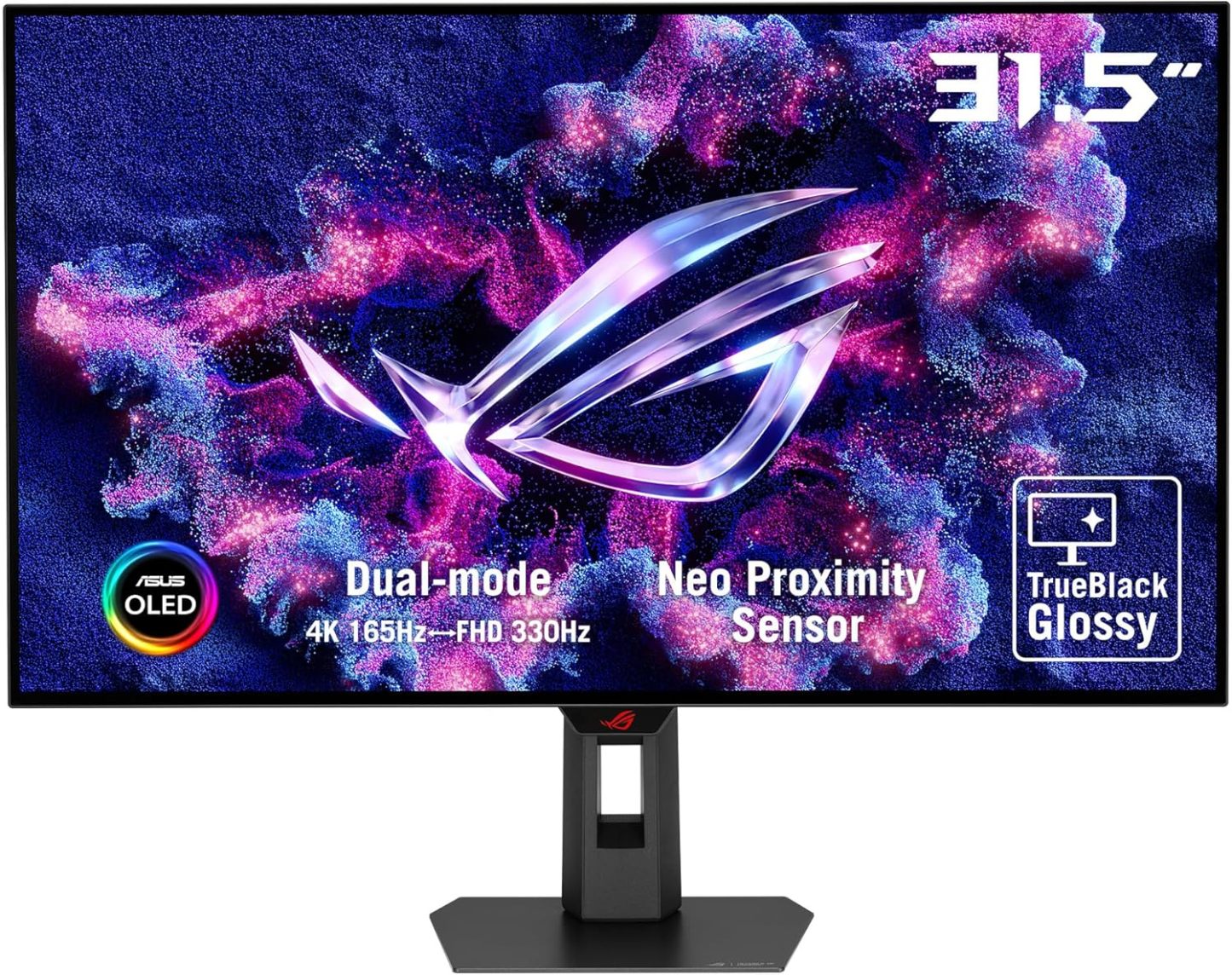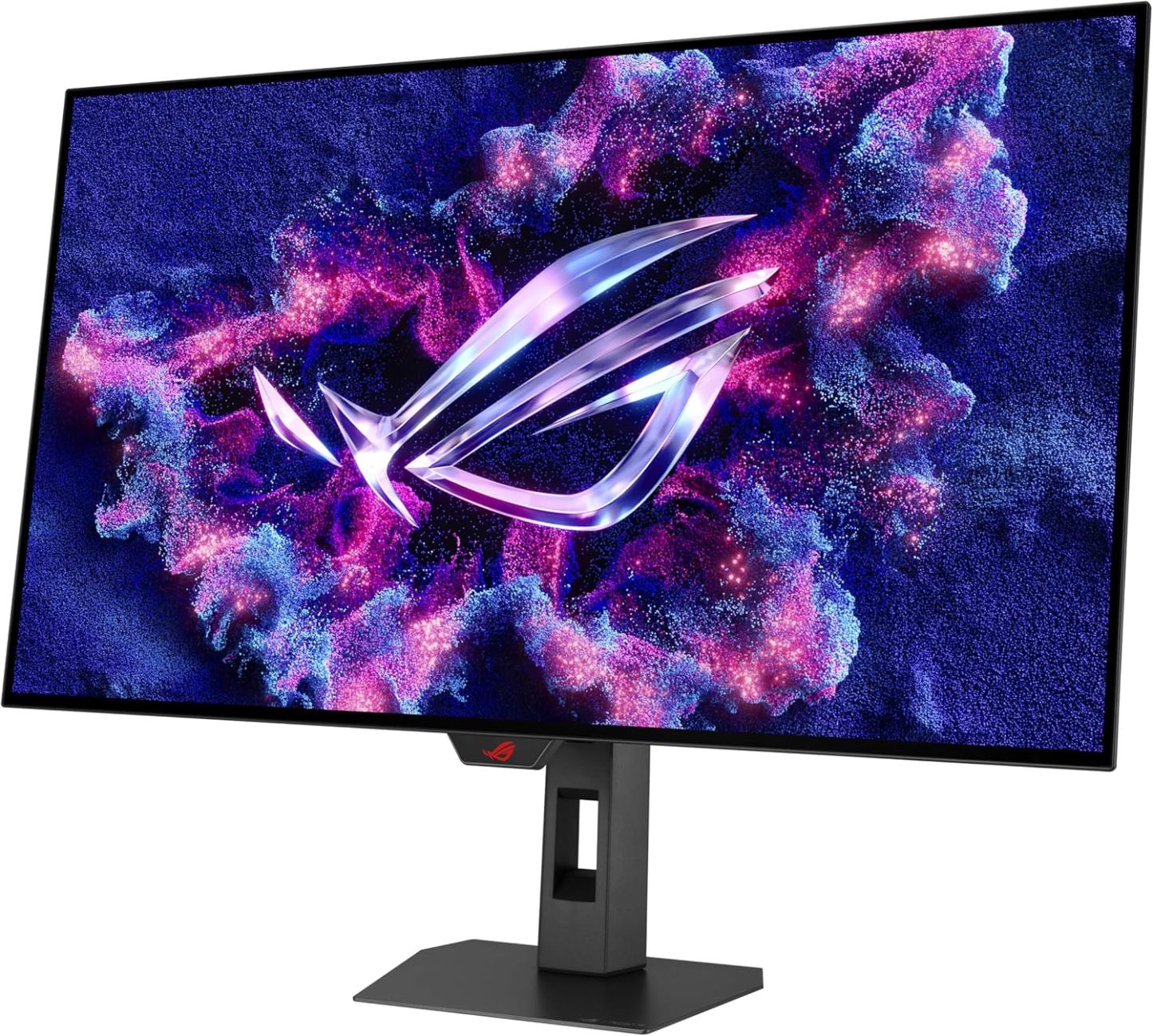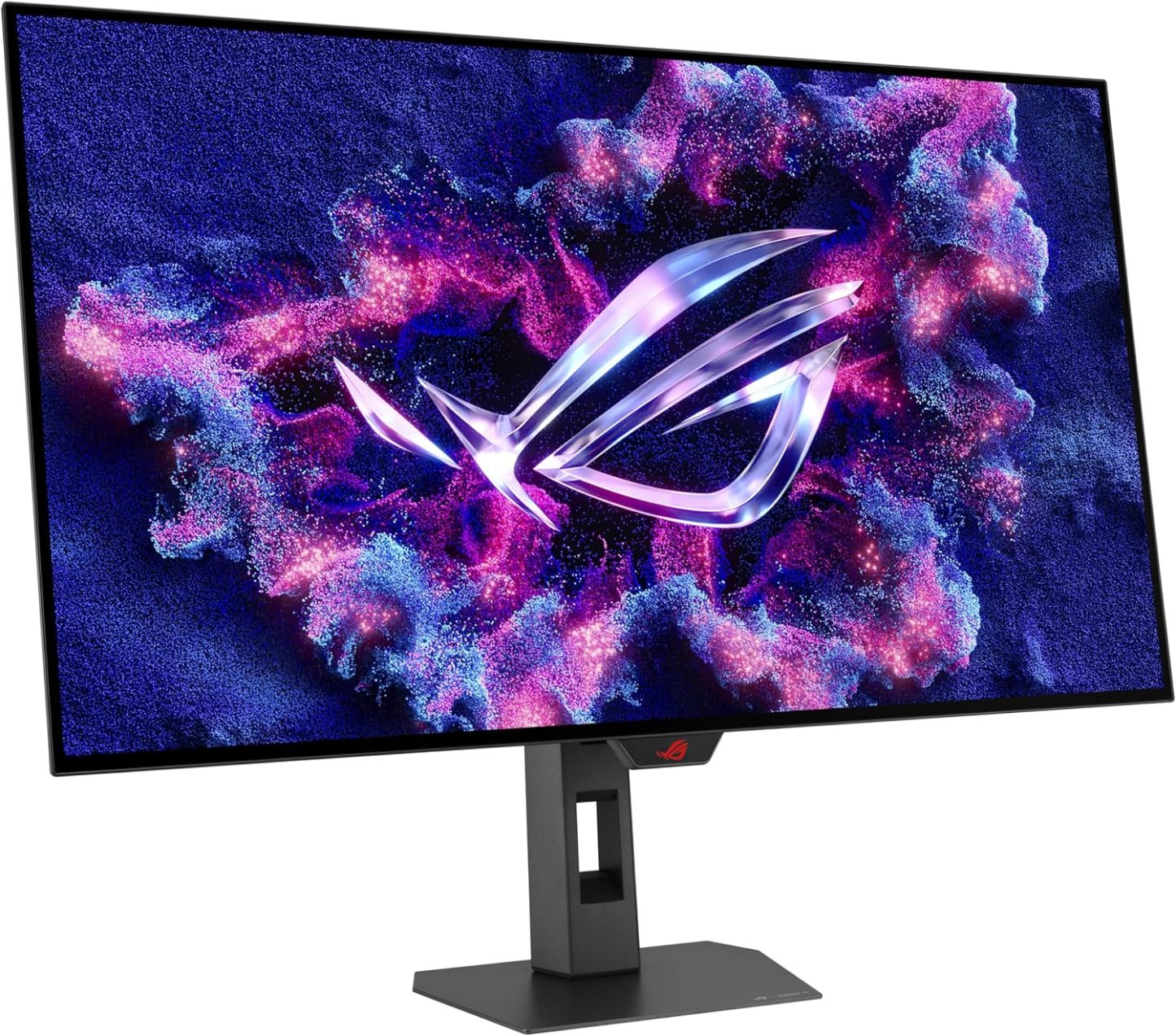

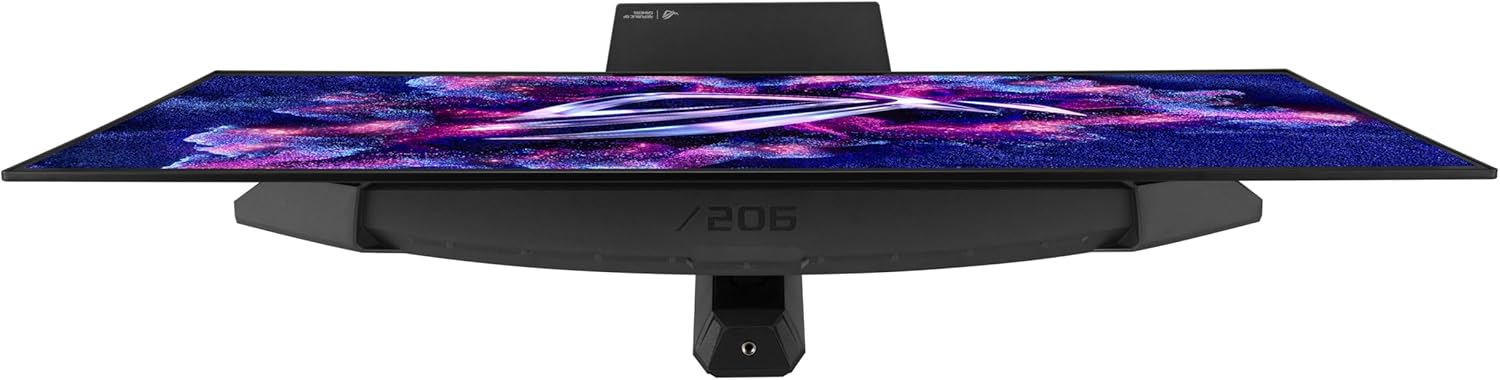
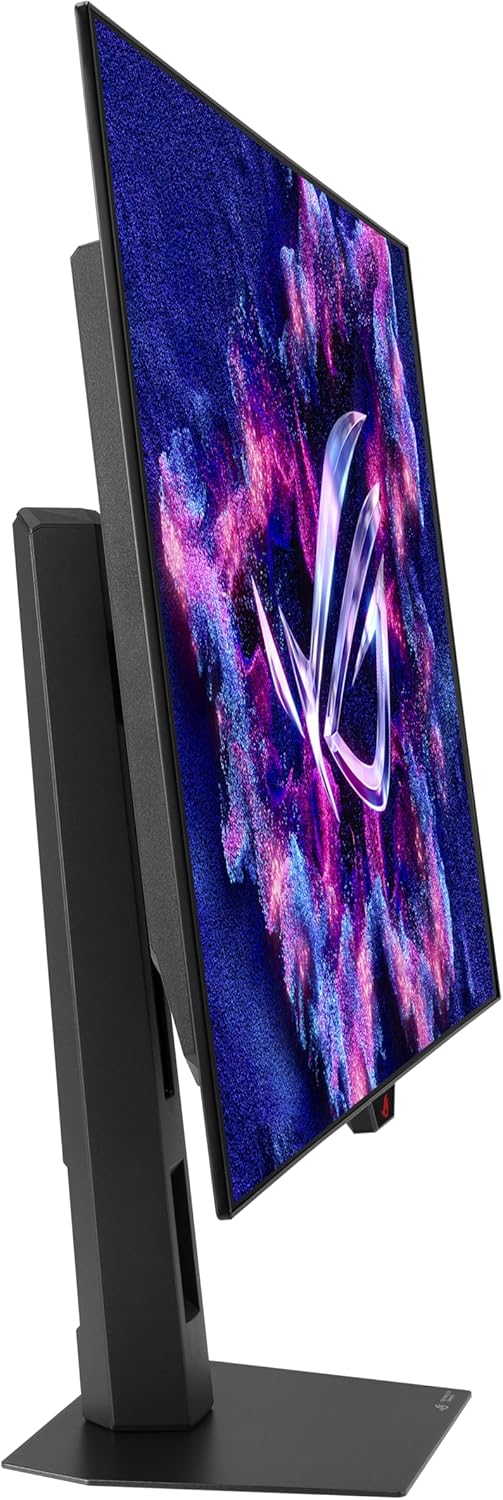
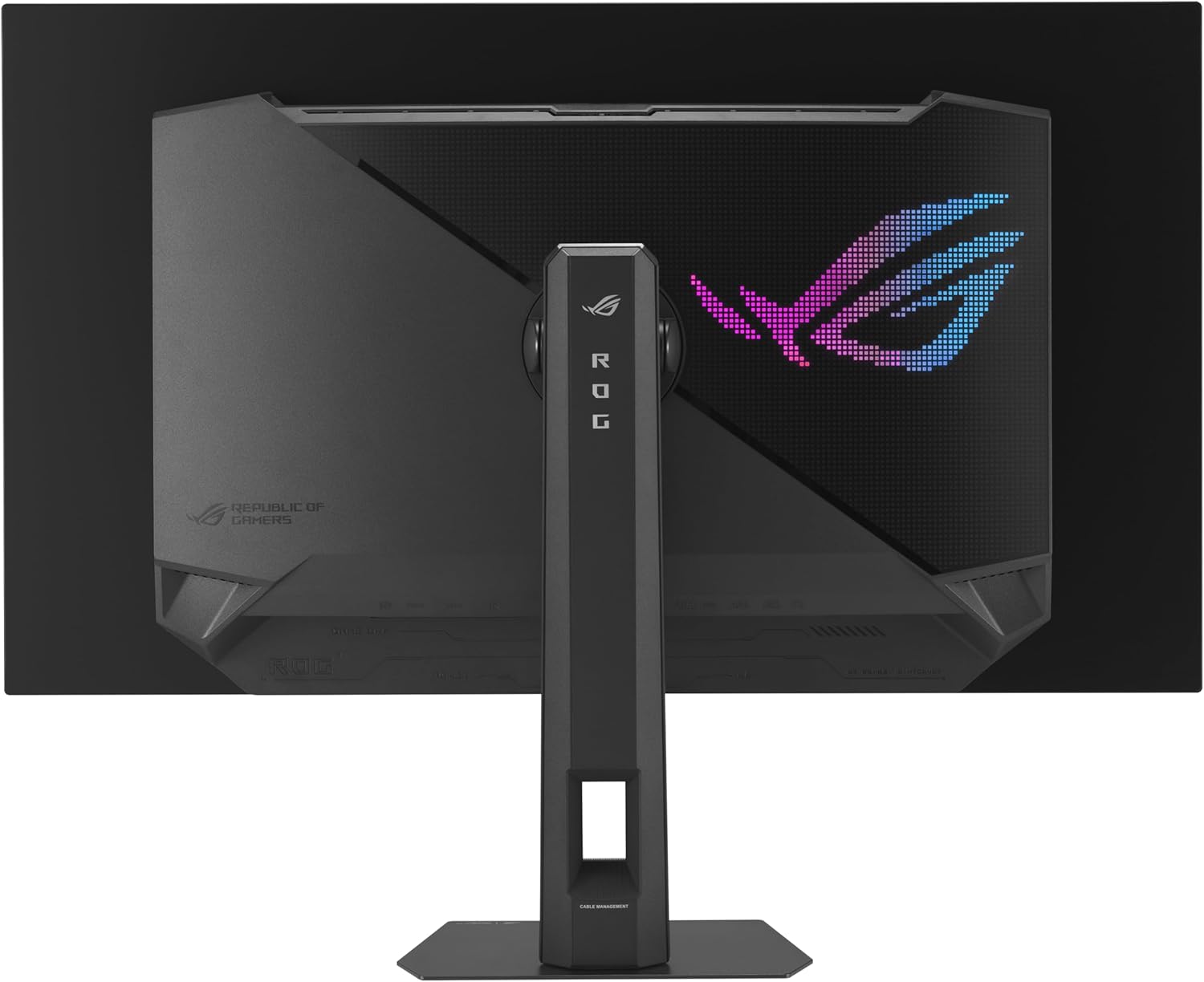
Strix 32” 4K OLED Gaming Monitor (XG32UCWG) - TrueBlack Glossy OLED, Dual Mode (4K@165Hz, FHD@330Hz), 0.03ms, G-SYNC Compatible, Neo Proximity Sensor, USB-C, HDMI 2.1, 3 yr Warranty
| Brand | ASUS |
| Screen Size | 32 Inches |
| Resolution | 4K UHD 2160p |
| Aspect Ratio | 16:9 |
| Screen Surface Description | Glossy |
About this item
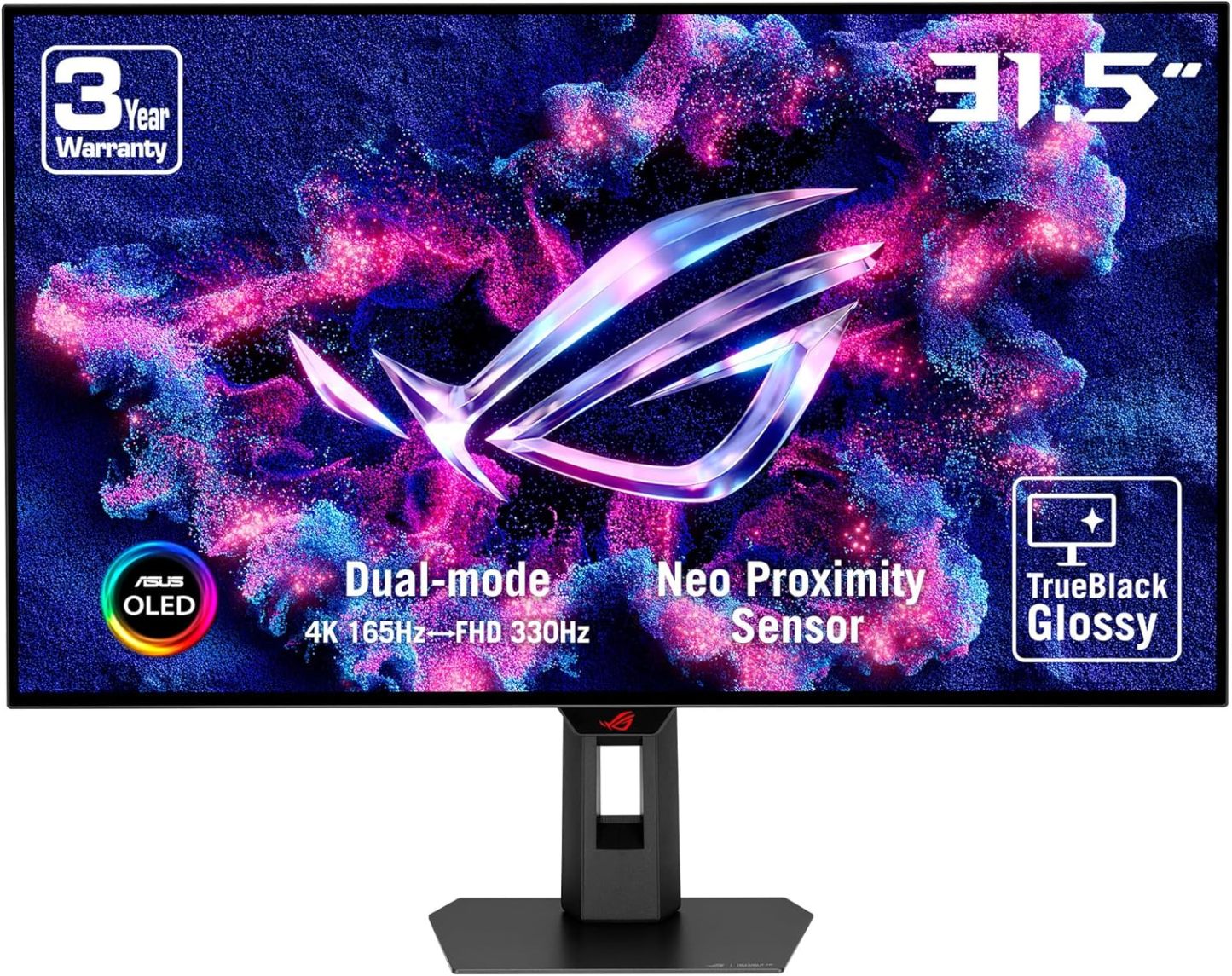
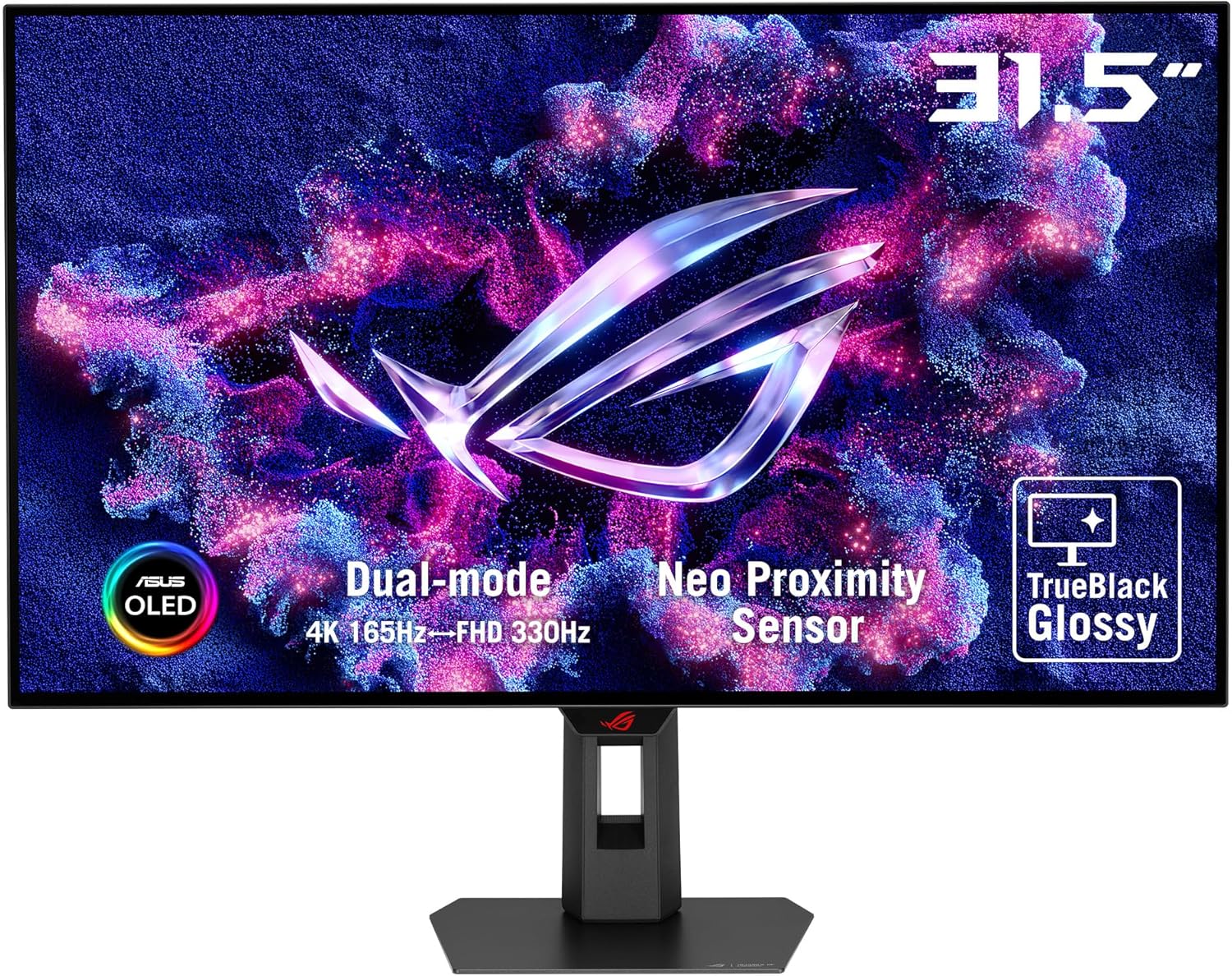
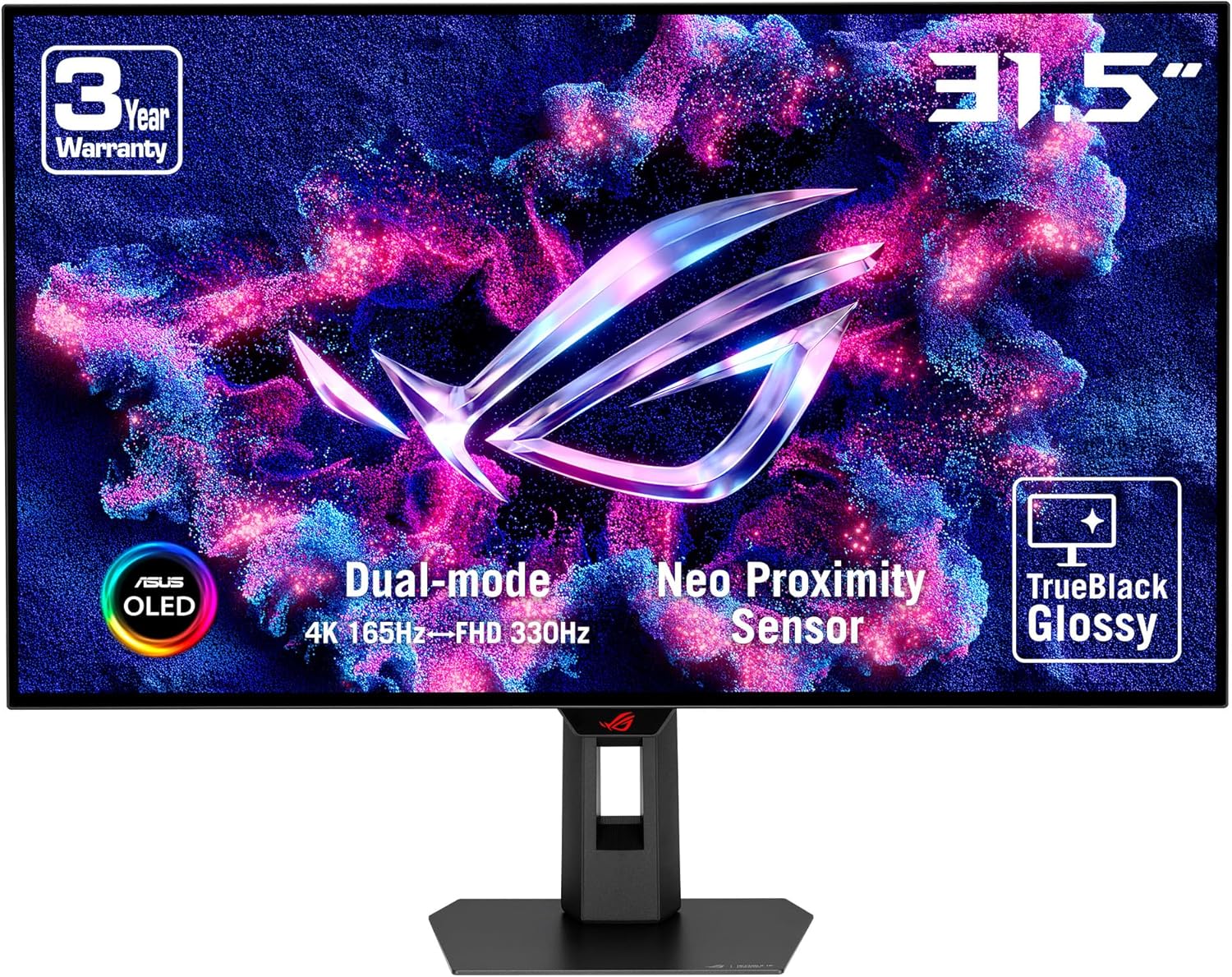
- 32-inch 4K (3840 x 2160) TrueBlack Glossy WOLED gaming monitor with versatile dual mode (4K@165Hz, FHD@330Hz)
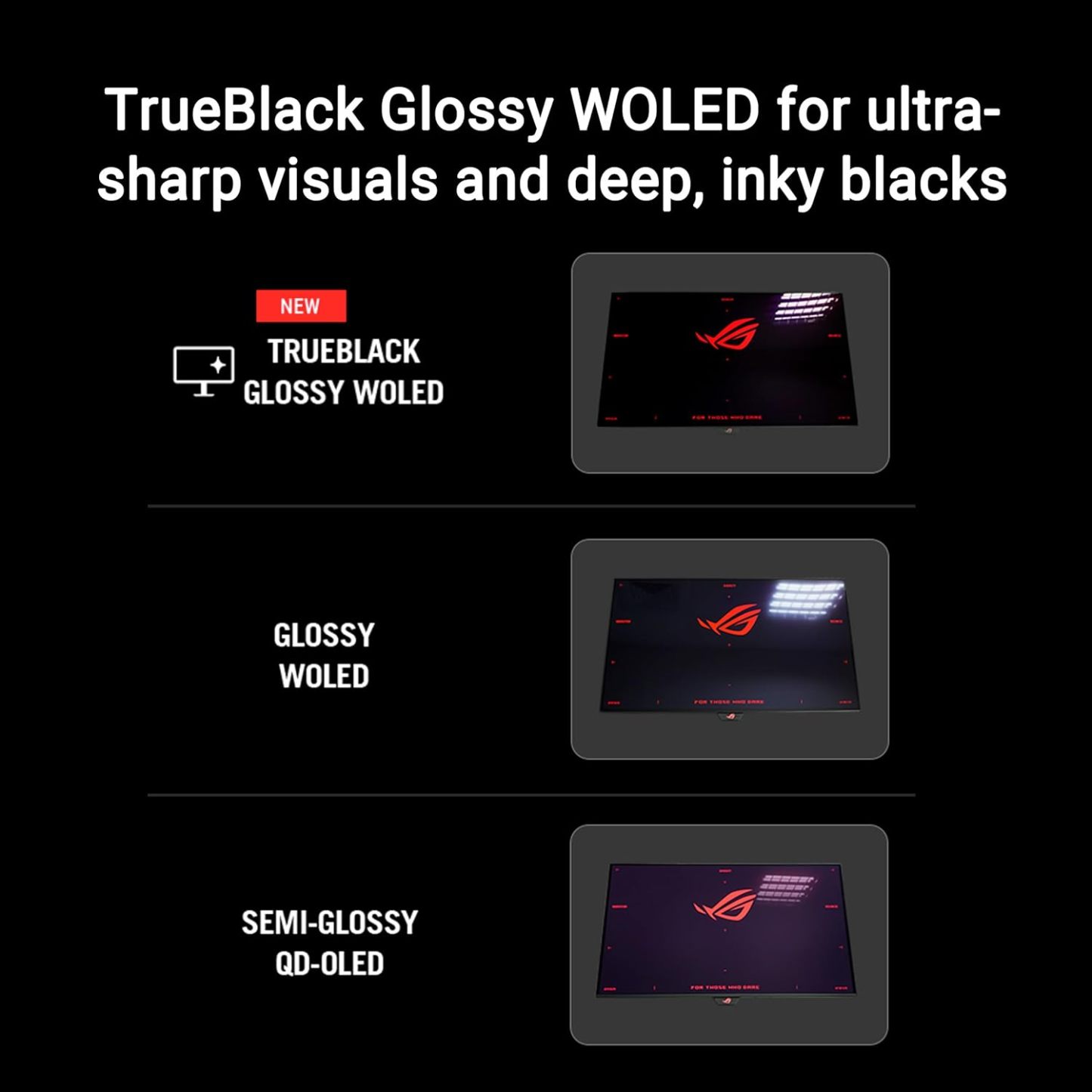
- Exclusive new TrueBlack Glossy panel provides a zero-haze surface and exceptionally sharp imagery
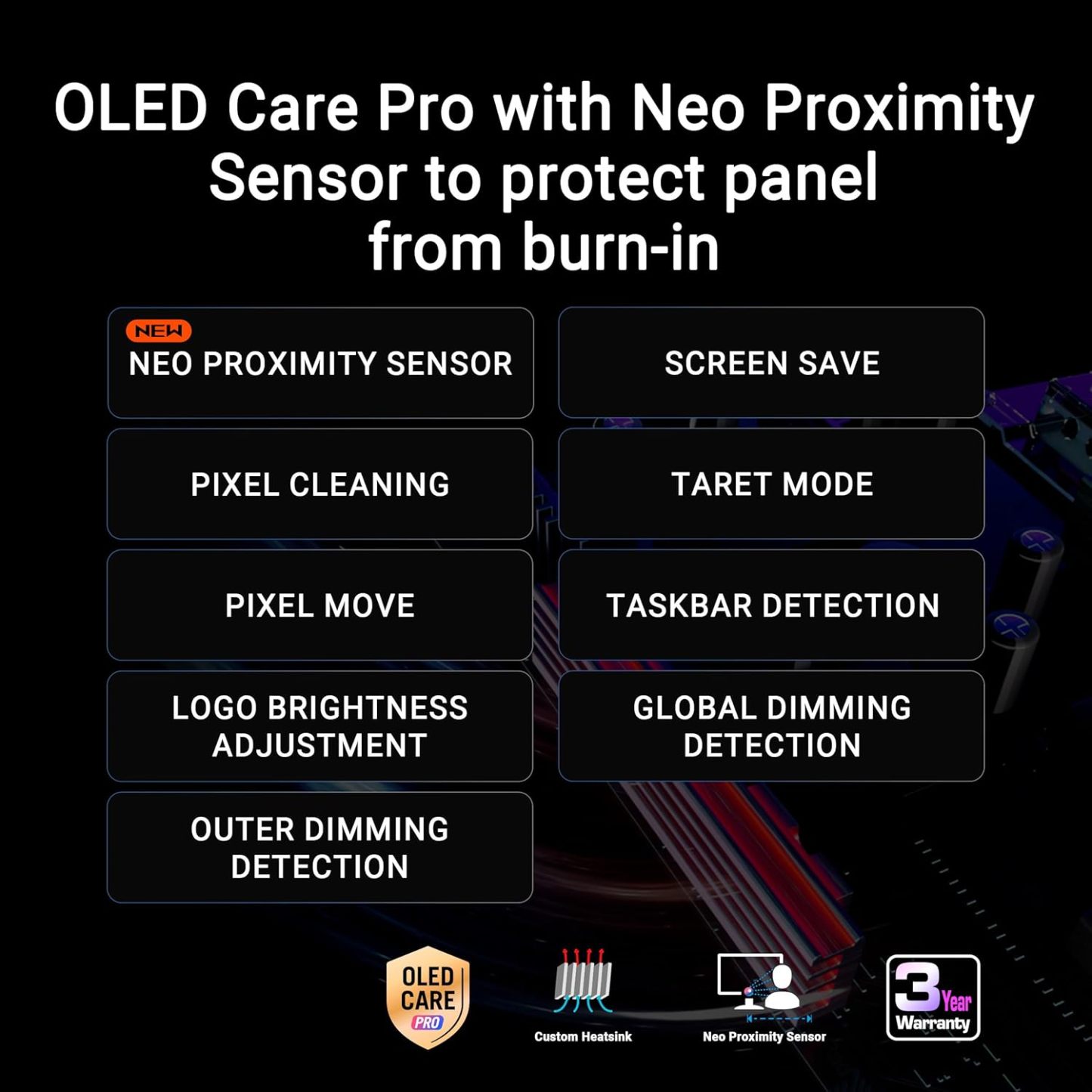
- ASUS OLED Care Pro with Neo Proximity Sensor precisely detects when the user is away and switches to a black screen to reduce the risk of burn-in
- DisplayWidget Center allows users to easily access OLED Care Pro functions and adjust monitor settings using a mouse
- VESA DisplayHDR 400 True Black compliance, 99% DCI-P3 gamut, true 10-bit color, and Delta E < 2 color difference for astonishing HDR performance, making it perfect for photo and video editing
- New AI Assistant provides Dynamic Crosshair, Dynamic Shadow Boost, and AI Visual functions for improved gaming experiences
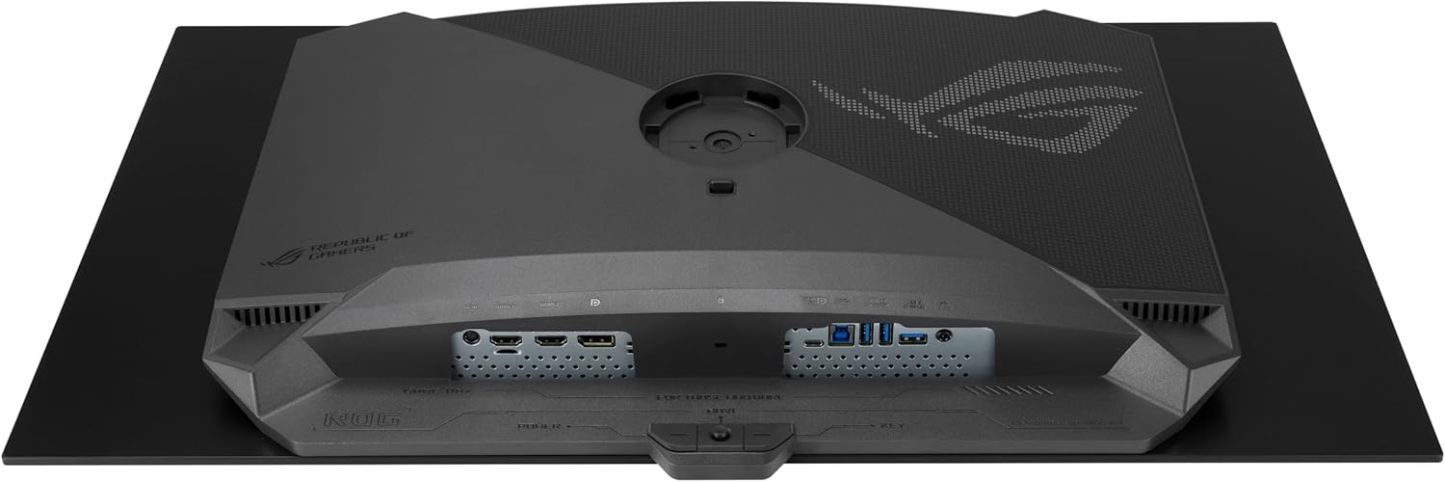
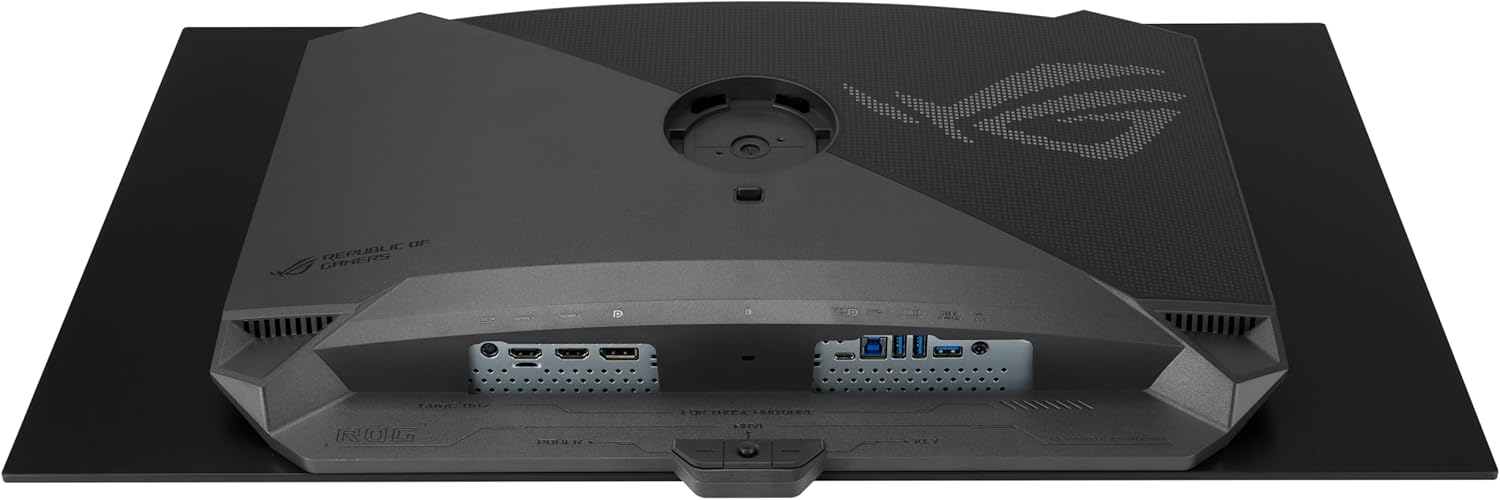
- Extensive connectivity options include DisplayPort 1.4 (DSC), HDMI 2.1, and USB-C with 15W Power Delivery
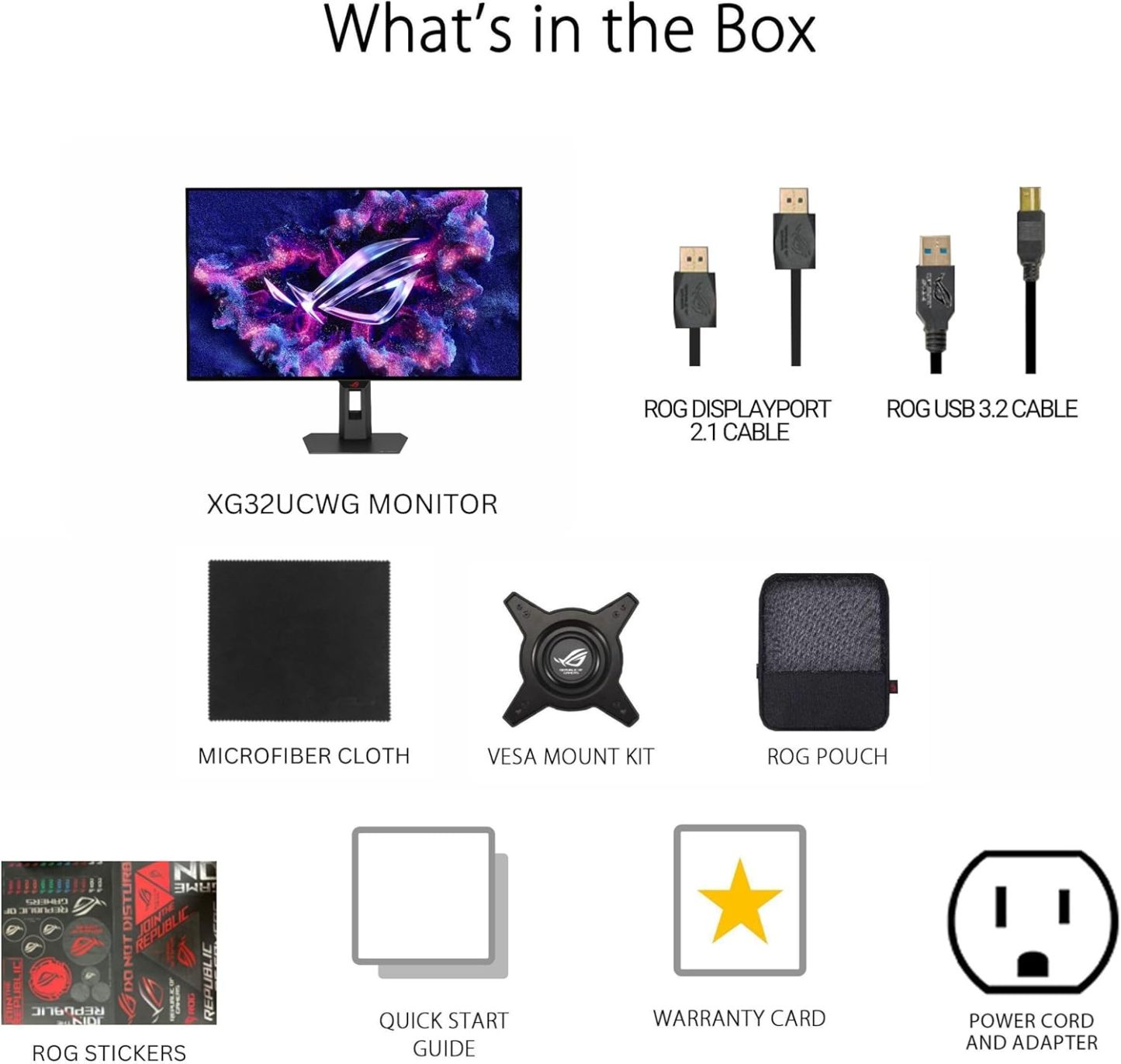
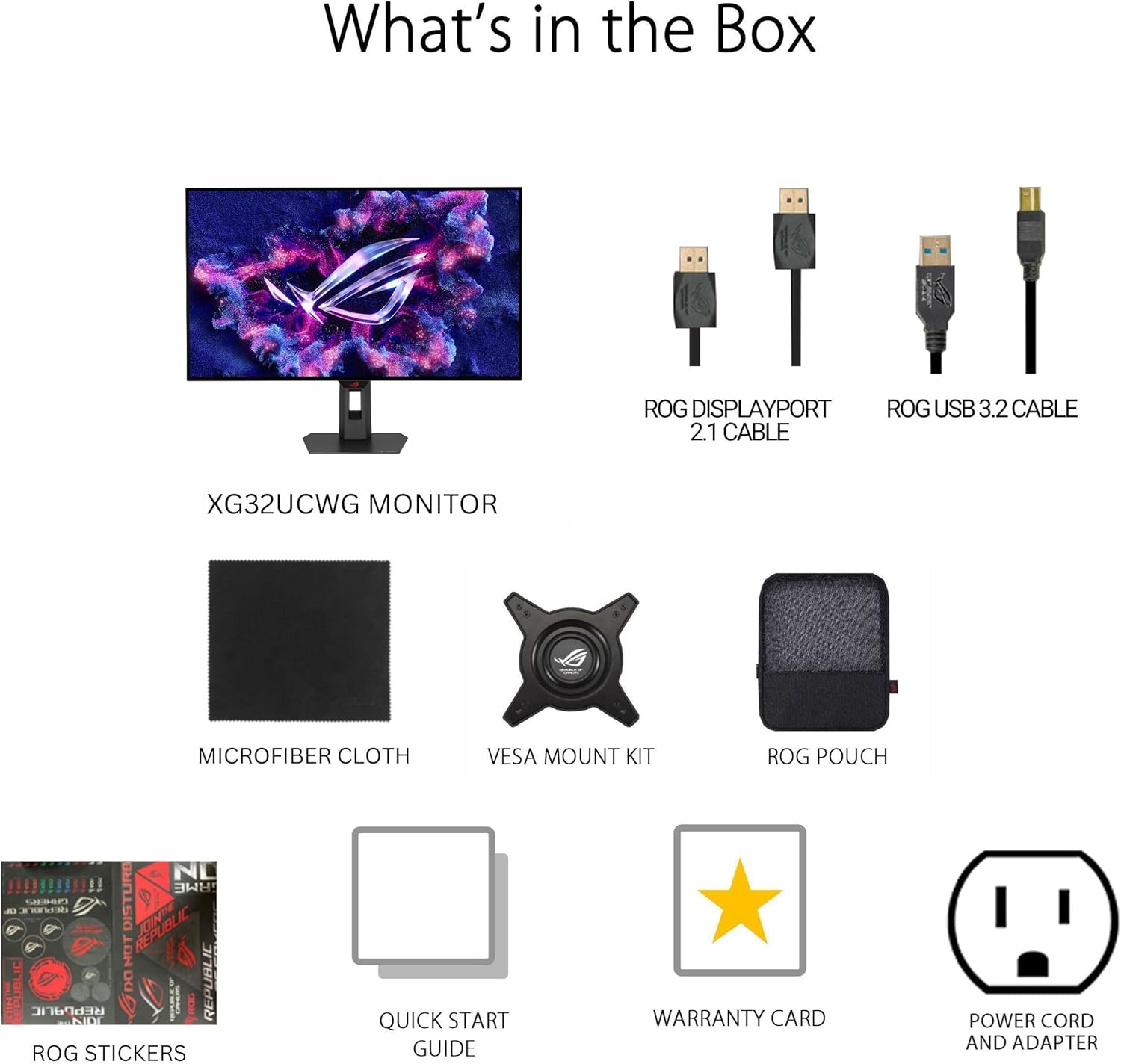
- What's in the box: DisplayPort cable, USB 3.2 cable, Power cord & adapter, Microfiber cloth, ROG pouch, ROG sticker, VESA mount kit, Quick release stand, Quick start guide, Warranty Card
- 3-month Adobe Creative Cloud: Receive complimentary access with the purchase of this product (valid until 8/31/2026)
| Aspect Ratio | 16:9 |
|---|---|
| Screen Finish | Glossy |
| Contrast Ratio | 1500000:1 |
| Refresh Rate | 330 Hz |
| Display Type | WOLED |
| Display Technology | OLED |
| Viewing Angle | 178 Degrees |
| Color Gamut | 90.0 |
| Has Color Screen | Yes |
ROG Strix OLED XG32UCWG VIDEO
Merchant Video-
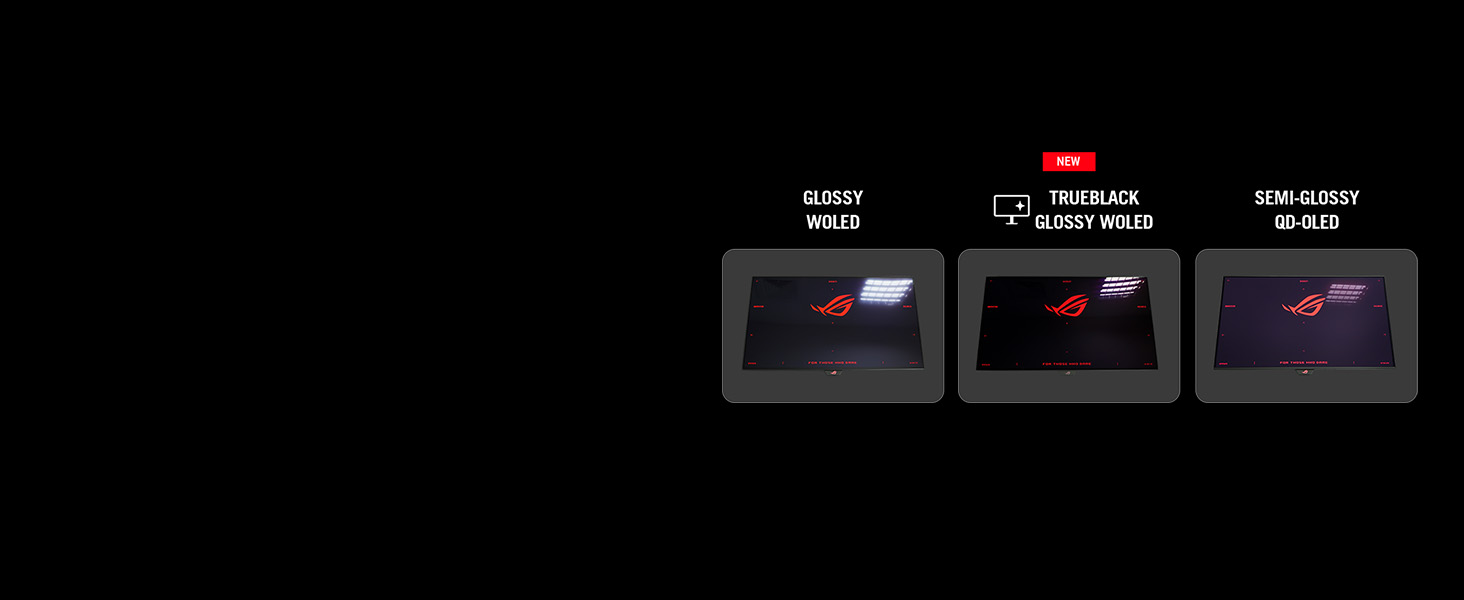
TrueBlack Glossy OLED technology
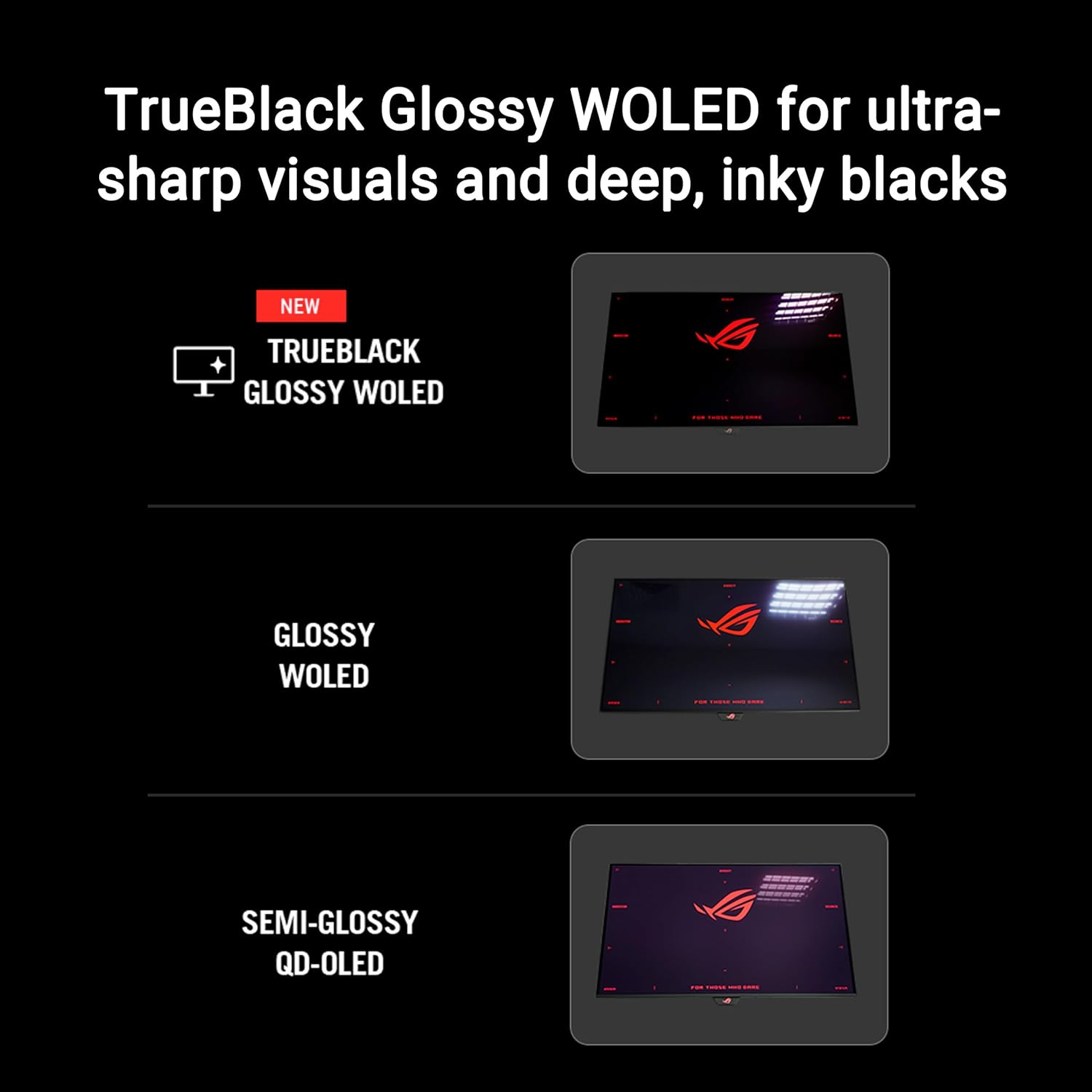
The XG32UCWG features a new TrueBlack Glossy OLED panel with a zero-haze optical layer that presents deep blacks and supersharp visuals under any lighting.
-
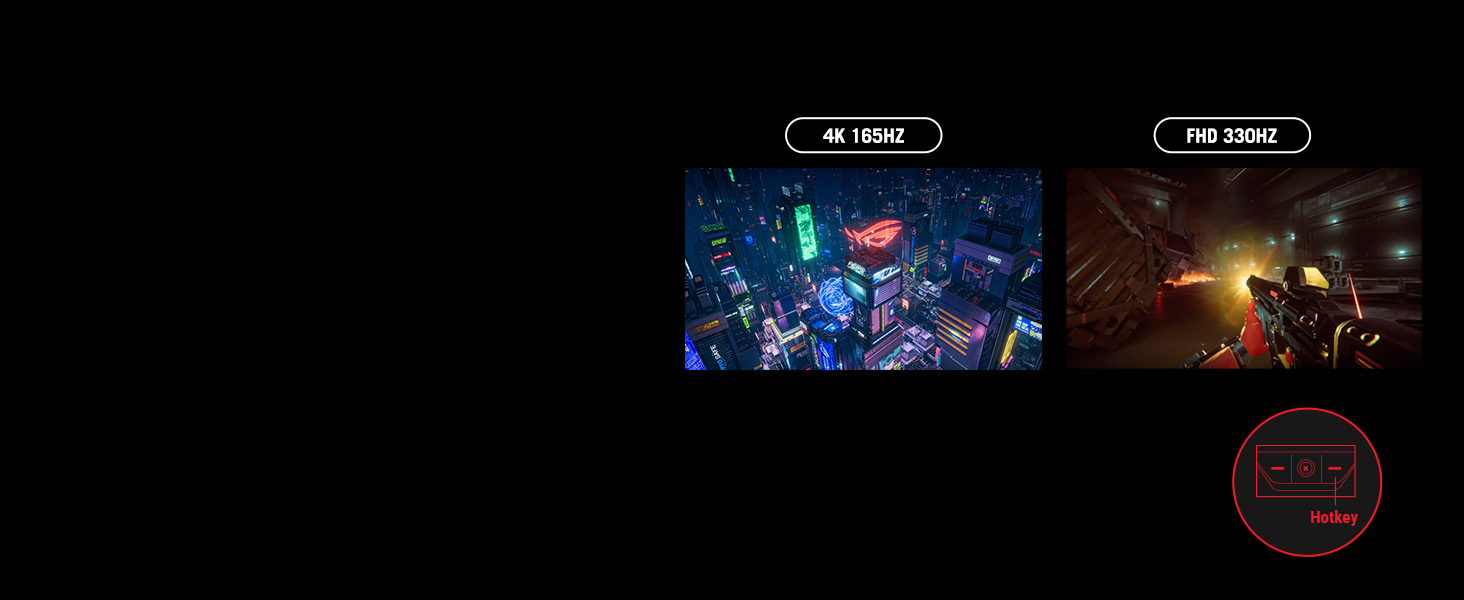
Groundbreaking dual-mode display
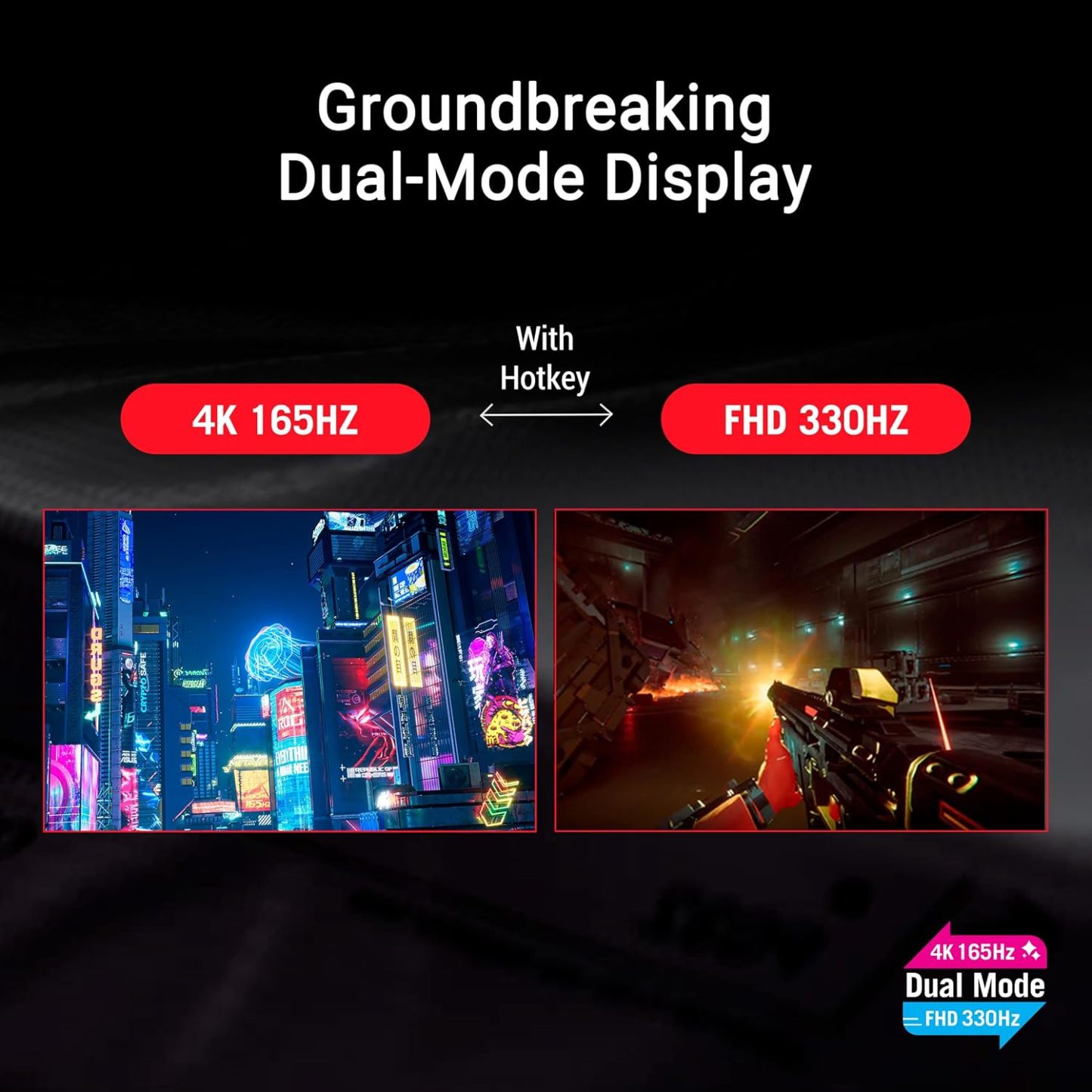
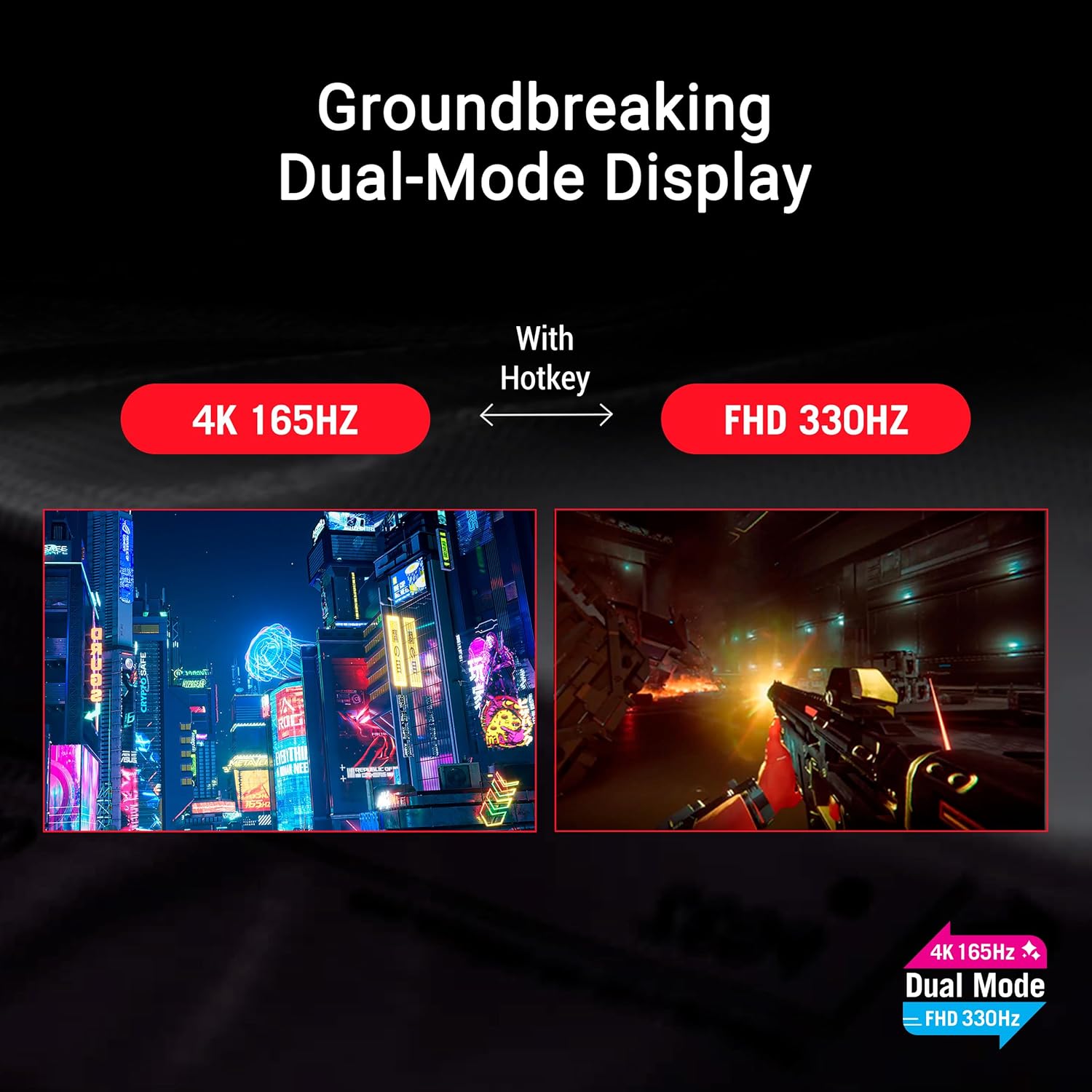
The XG32UCWG OLED monitor allows you to switch between stunning 4K @ 165Hz all the way up to a mind-blowing FHD @ 330Hz visuals with just a tap of a hotkey.
-

Advantages of OLED technology
The XG32UCWG offers exceptional imagery thanks to an extremely 1.5M:1 contrast ratio, delivering the deepest black hues. Plus, the astounding 0.03ms response time ensures supersmooth gameplay.
-
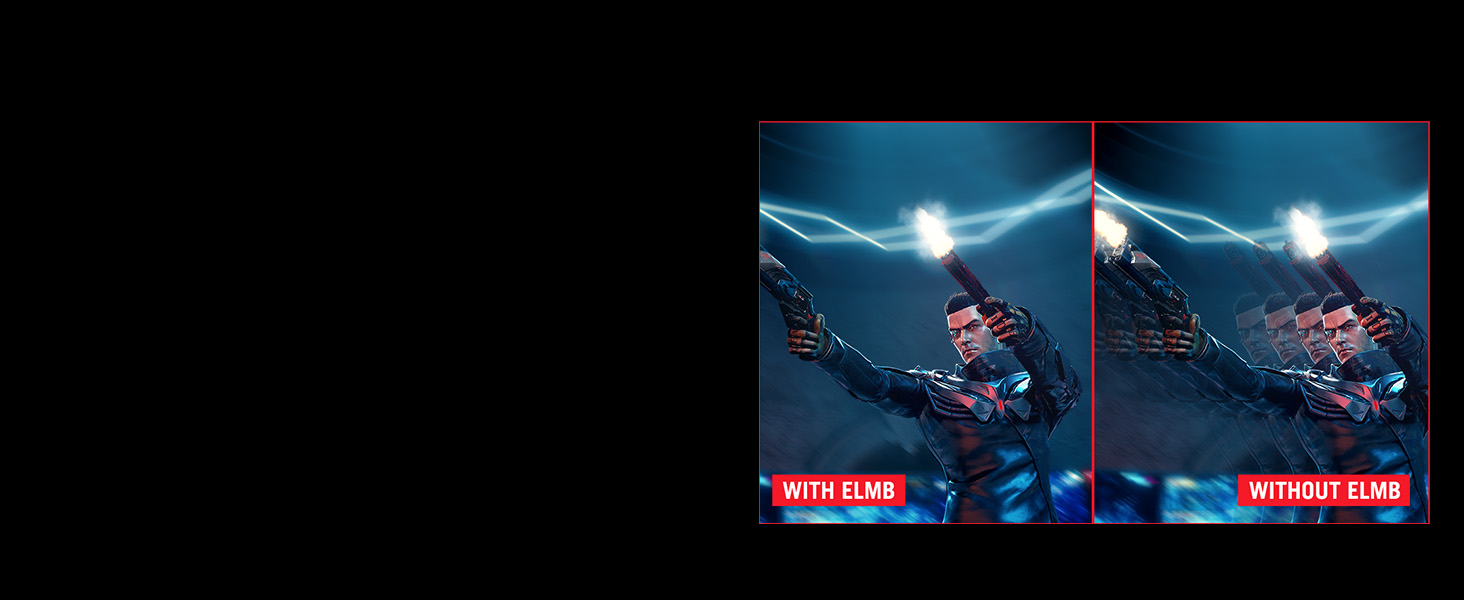
Extreme Low Motion Blur
Exclusive ASUS Extreme Low Motion Blue (ELMB) technology further reduces ghosting and motion blur.
-
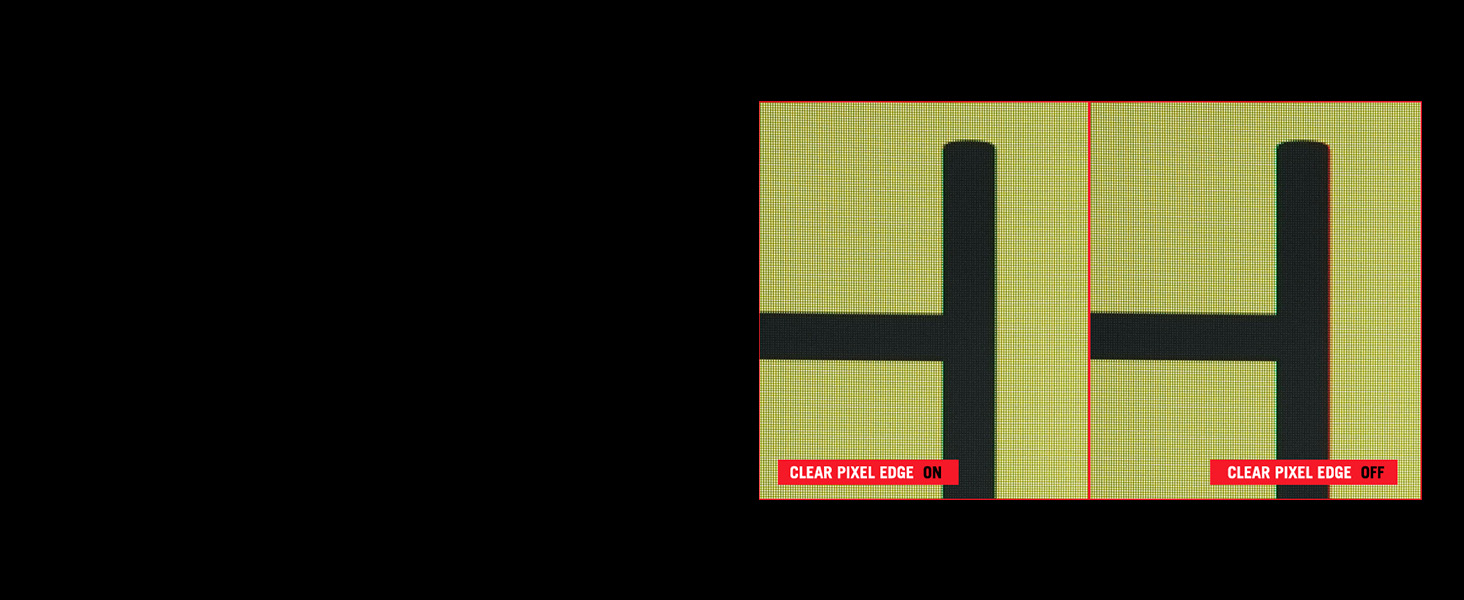
Clear Pixel Edge
The ROG WOLED panel also boasts the Clear Pixel Edge algorithm that reduces green and red fringing on text and lines for improved viewing experiences.
-

OLED Care Pro: Neo Proximity Sensor
The new Neo Proximity Sensor detects your distance from the monitor and transitions to a black image when you’re away to safeguard the panel from burn-in. Detection distance can also be customized.
-
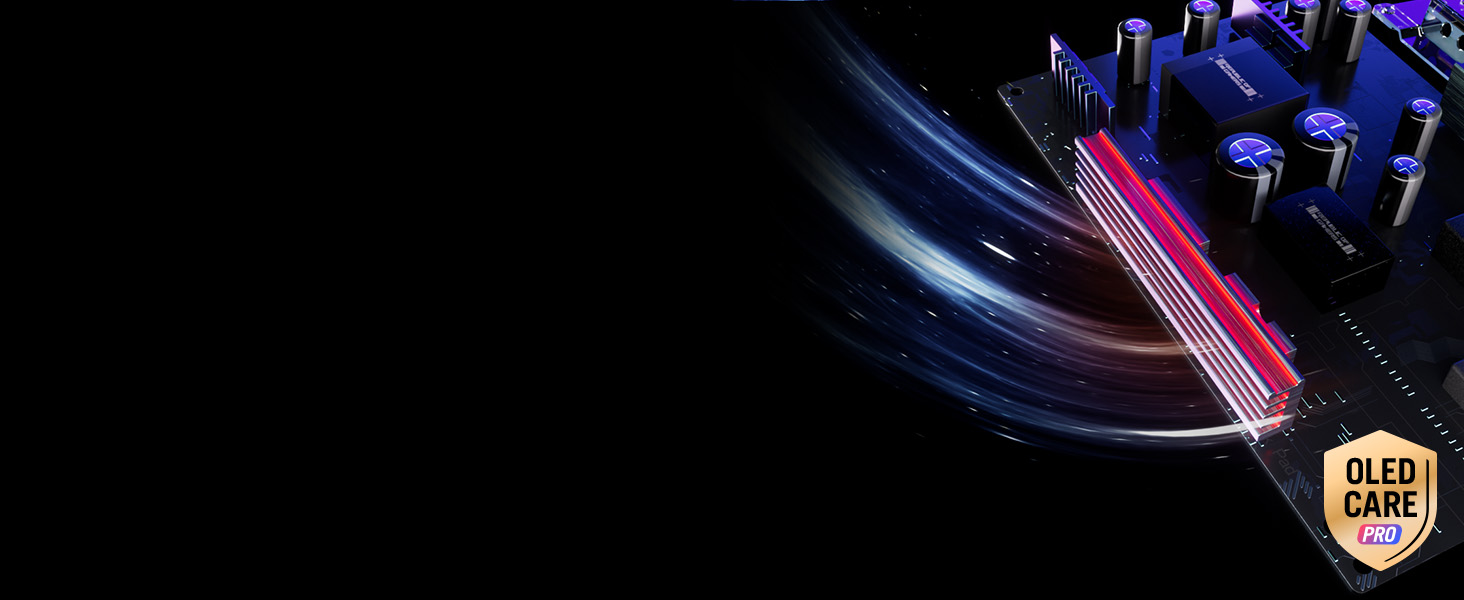
ASUS OLED Care Advanced custom heatsink
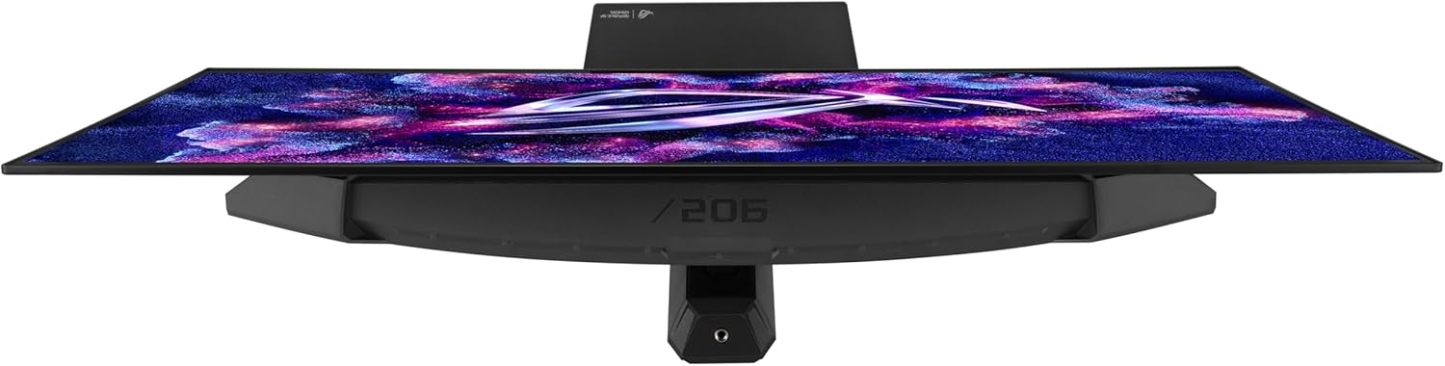
The custom passive heatsink prioritizes heat dissipation. In addition, the monitor’s back cover features top vents that further improve cooling to reduce the risk of burn-in.
-
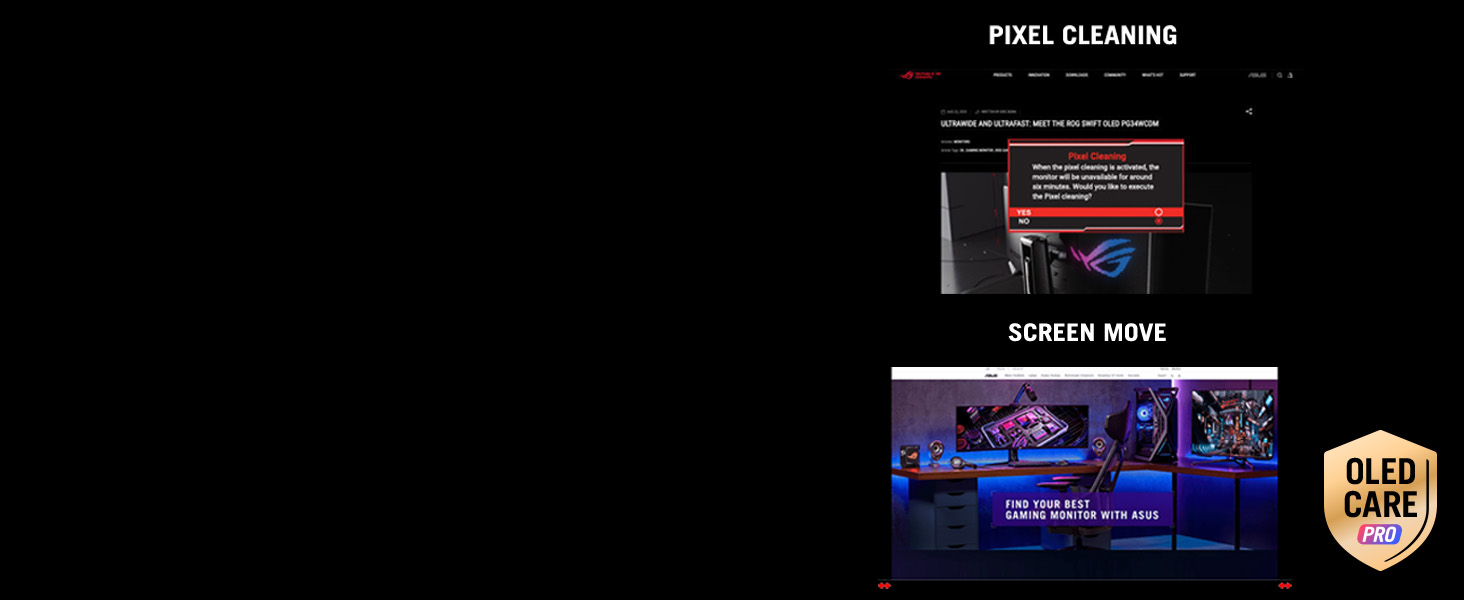
Pixel cleaning & Screen move
Pixel cleaning helps recalibrate the screen when the monitor has been active for several hours to reduce the risk of burn-in. Pixel locations are slightly shifted periodically with several levels.
-
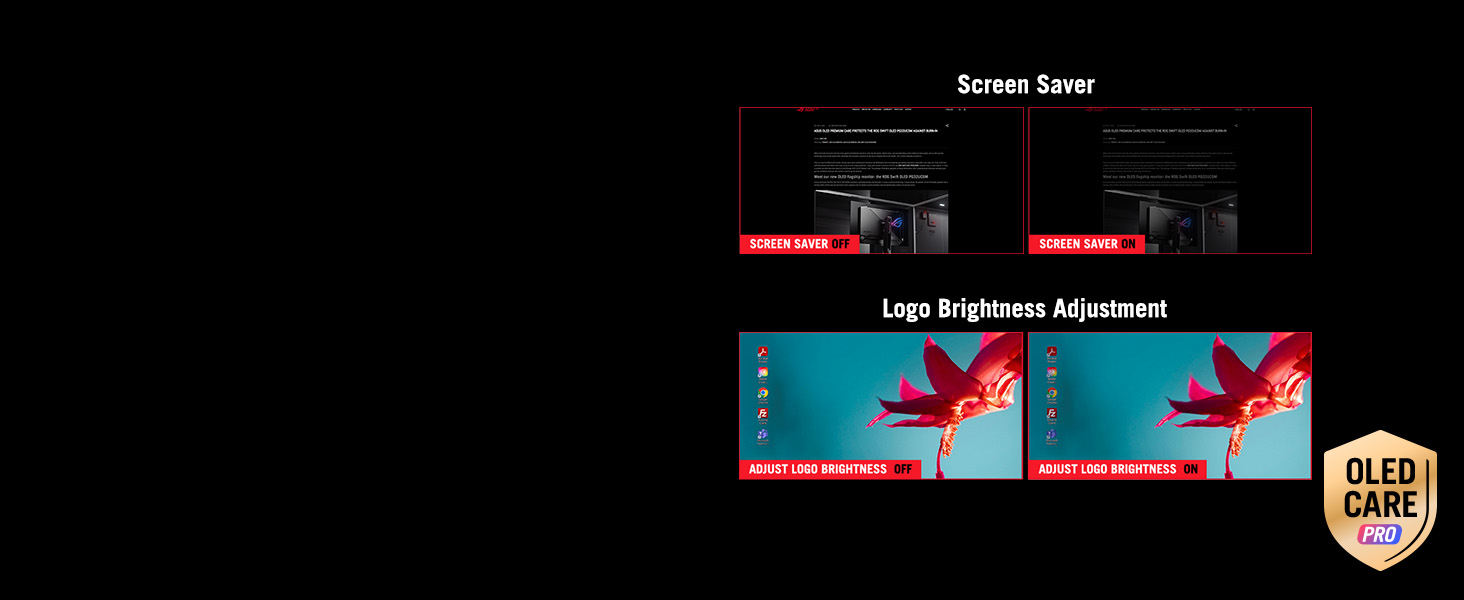
Screen Save & Logo Brightness Adjustment
Automatically dims the screen after two minutes of inactivity. The monitor automatically detects static onscreen logos and reduces their brightness to correct for potential picture-quality issues.
-
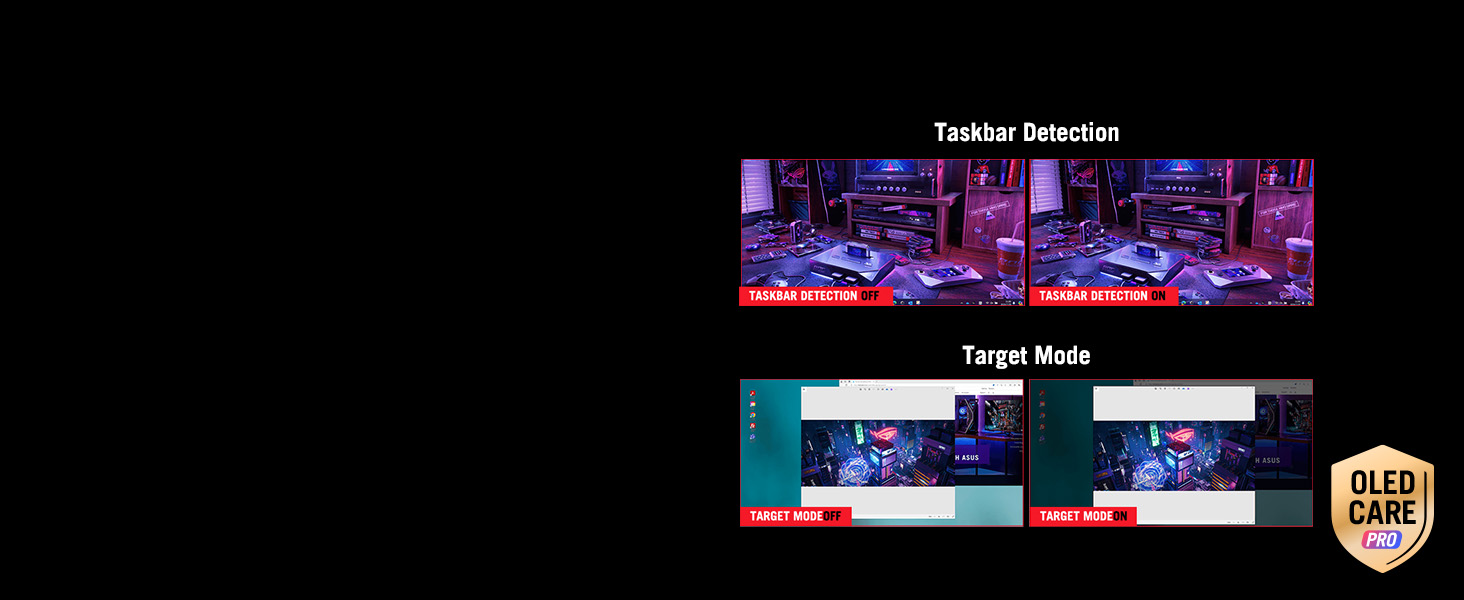
Taskbar detection & Target mode
Dynamically detects the taskbar and reduces brightness around it to avoid burn-in. Dims the entire screen, except for a selected pinned window, which maintains its current brightness setting.
-
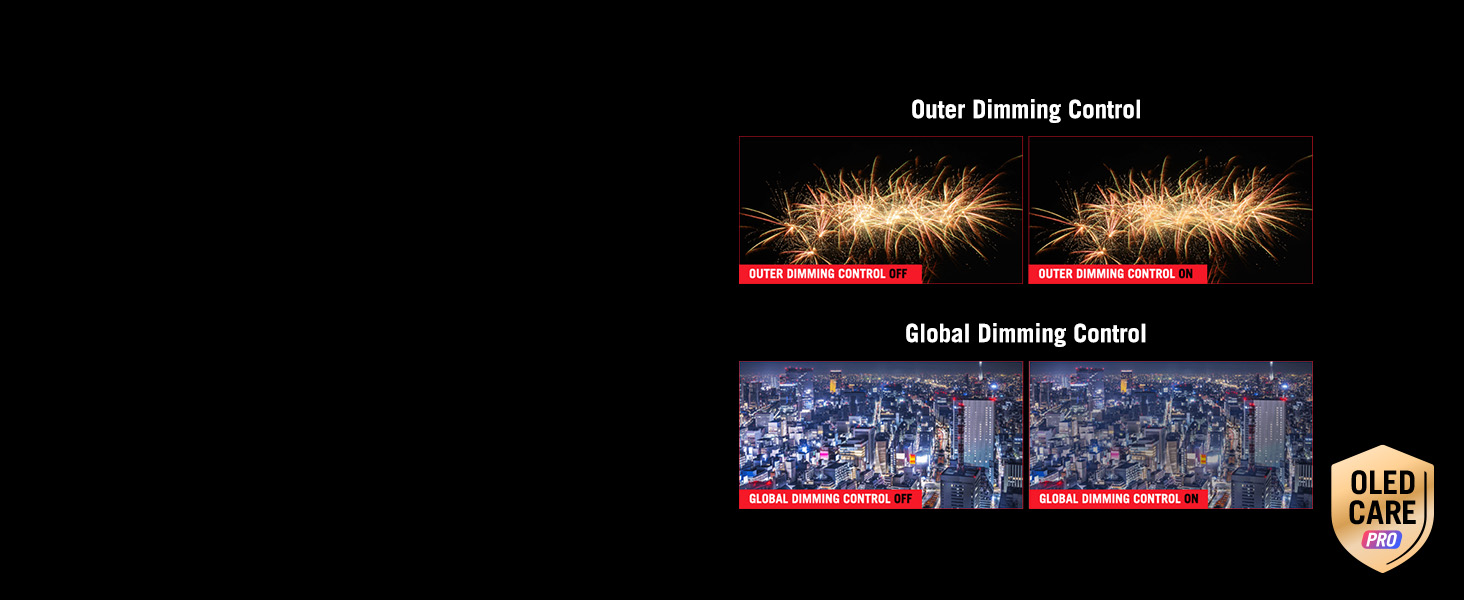
Outer dimming control & Global dimming control
Automatically identifies and adjusts the brightest areas of the screen to reduce the risk of burn-in. Dynamically adjusts the overall brightness of the display to reduce the risk of burn-in.
-
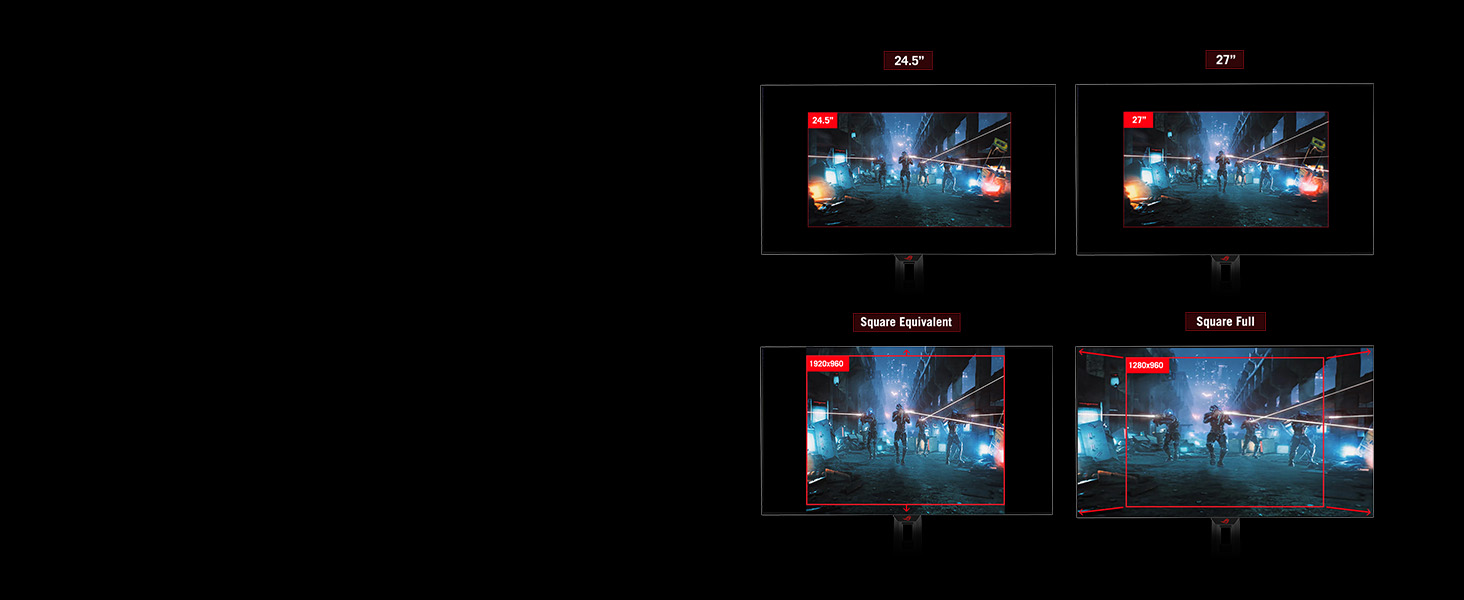
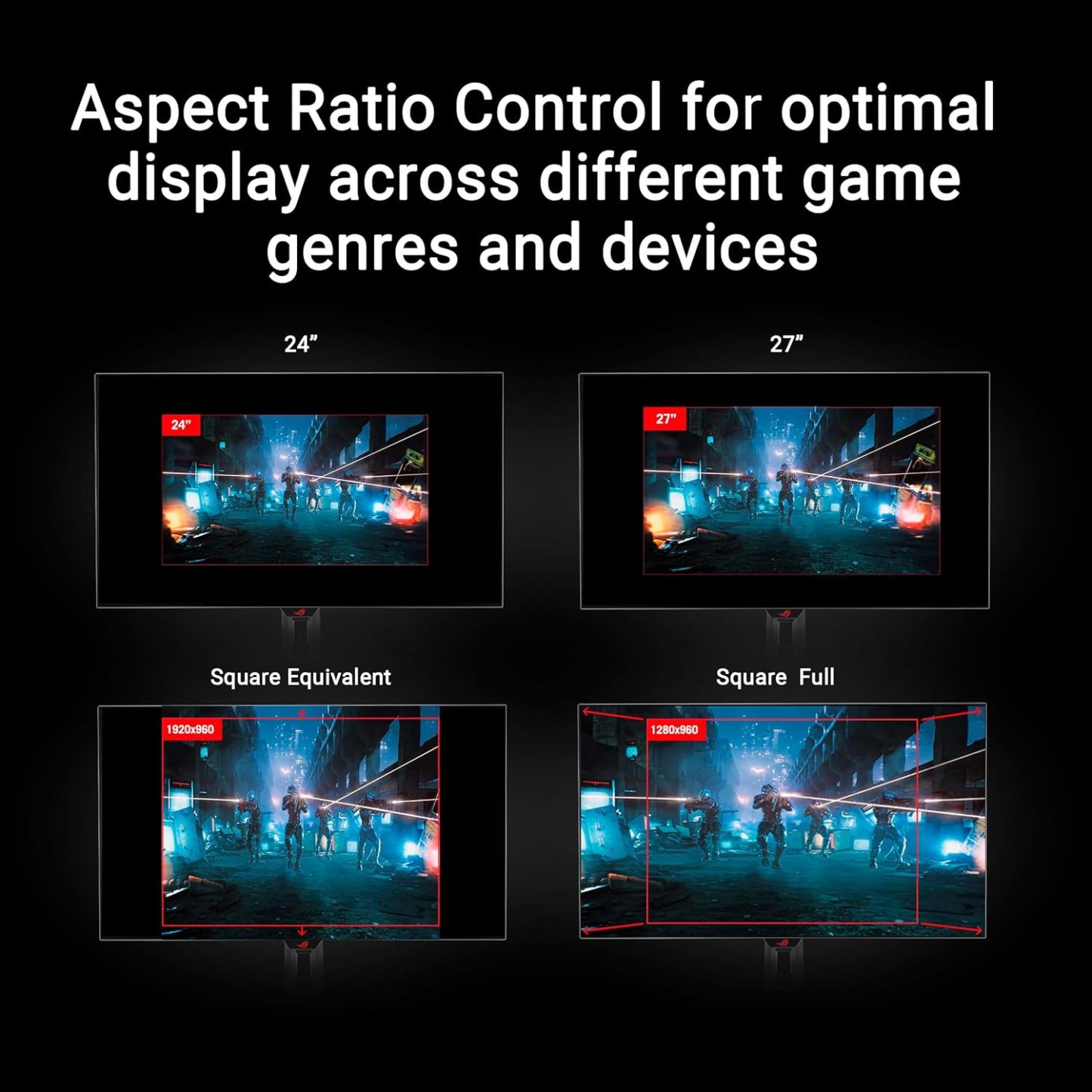
Aspect Ratio Control
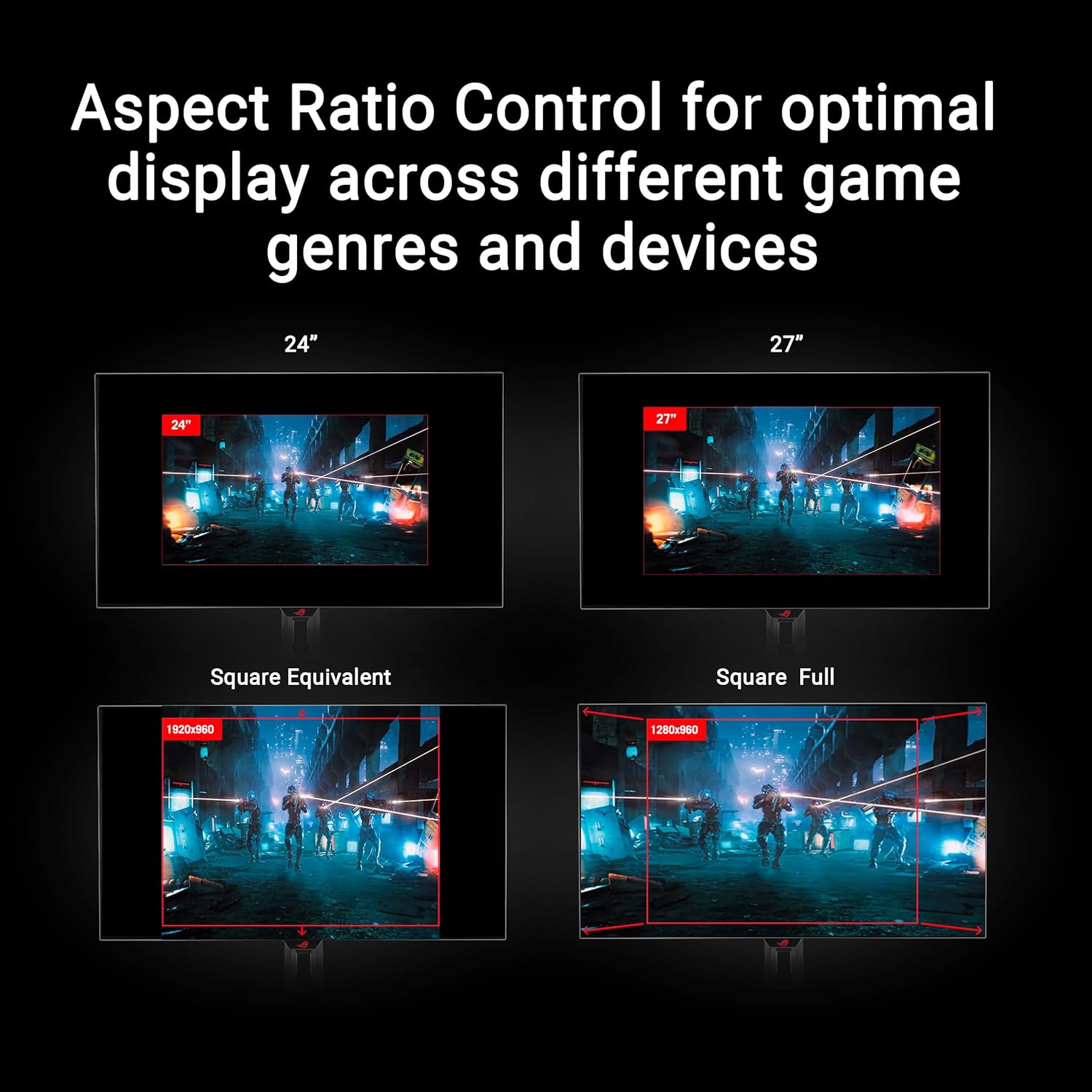
For competitive gamers who are more familiar with smaller 1080p monitors, the XG32UCWG can be set to replicate a 24.5-inch (esports mode) or 27-inch display, as well as other visual modes.
-
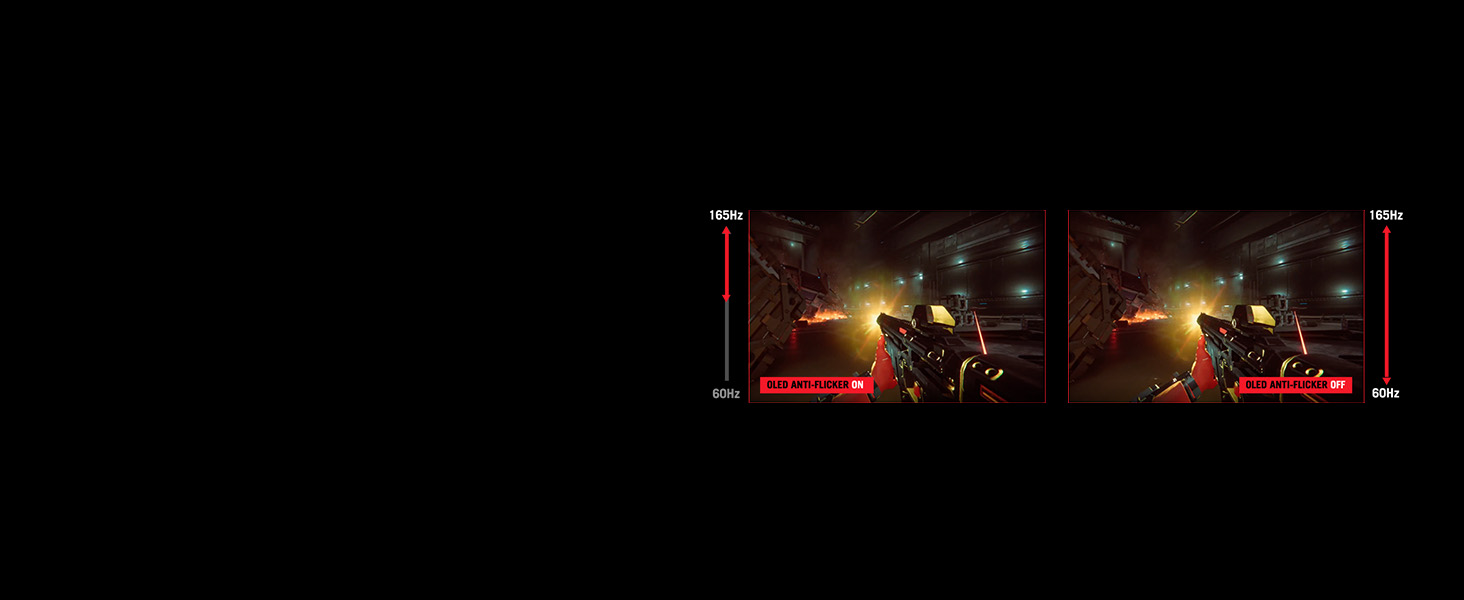
OLED Anti-Flicker
ROG-exclusive OLED Anti-Flicker technology offers three refresh rate ranges ― High, Mid, Off ― to reduce flicker during frame rate fluctuations and maintain an immersive gaming experience.
-
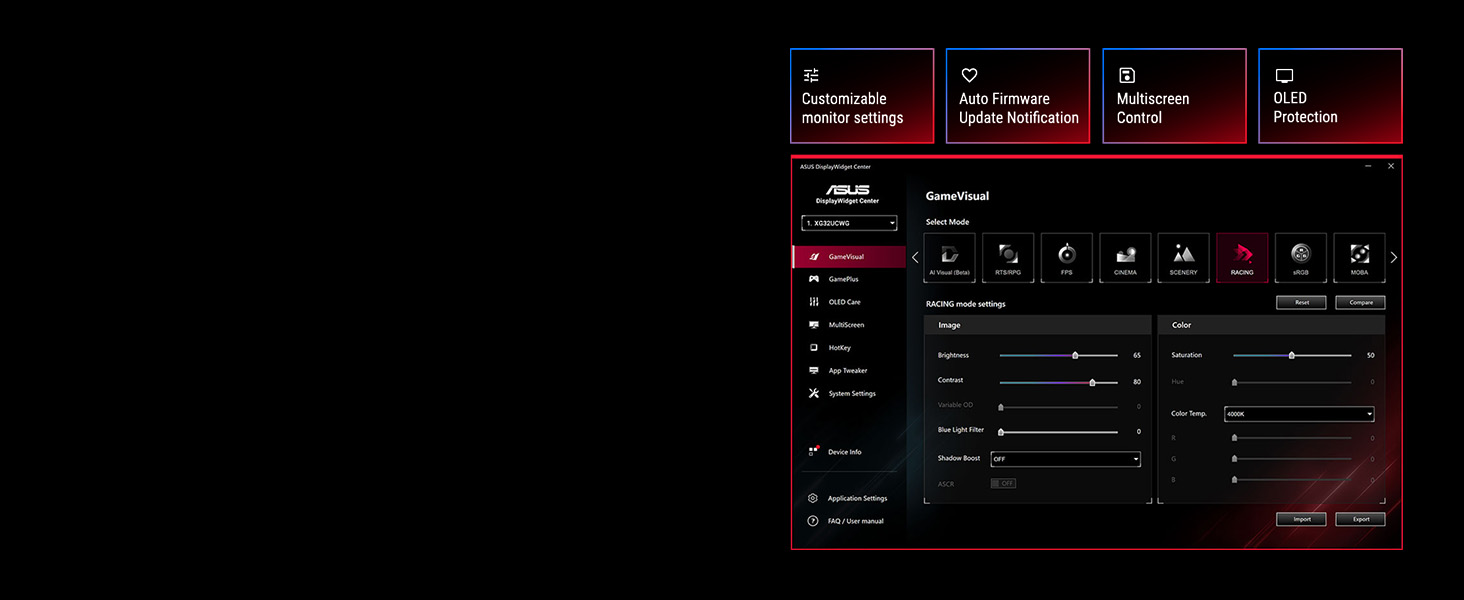
DisplayWidget Center
Take your monitor to the next level with DisplayWidget Center, a powerful monitor management software designed to help you optimize & personalize your display via a mouse.
-
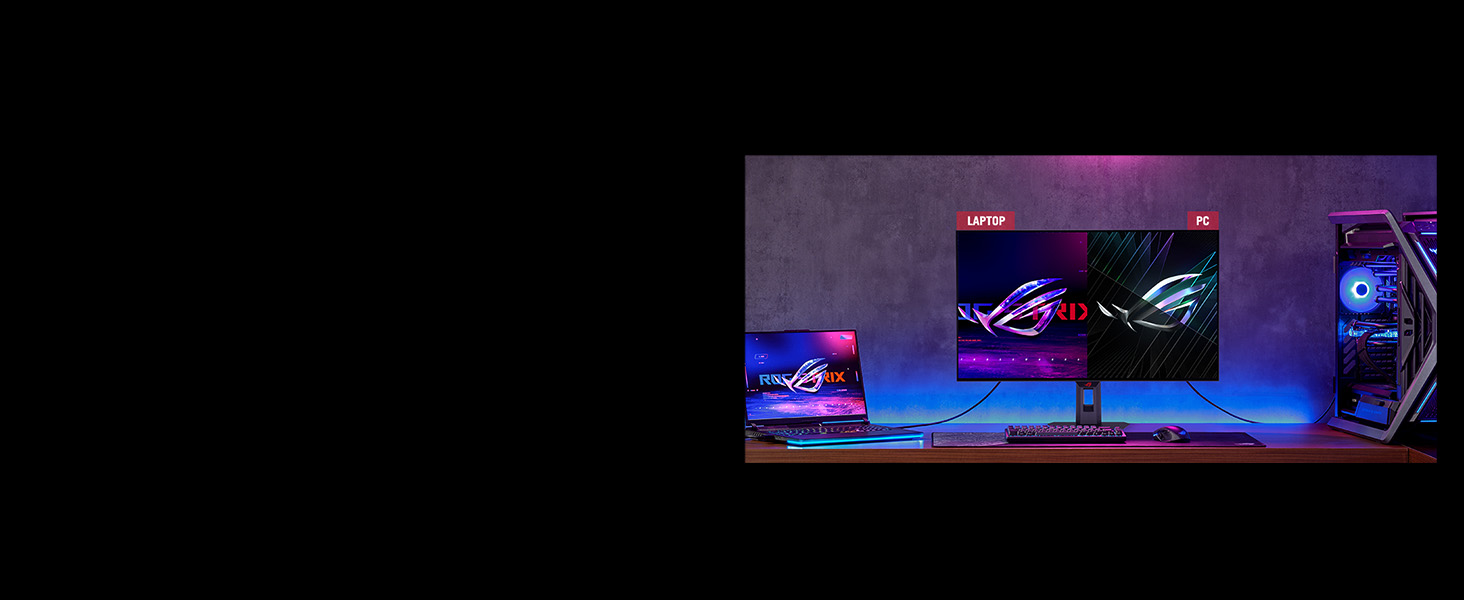
Auto KVM
Level up streaming setups with the Auto KVM feature and seamlessly control two gaming devices with a single keyboard and mouse, providing a more effortless and integrated multi-devices experience.
-
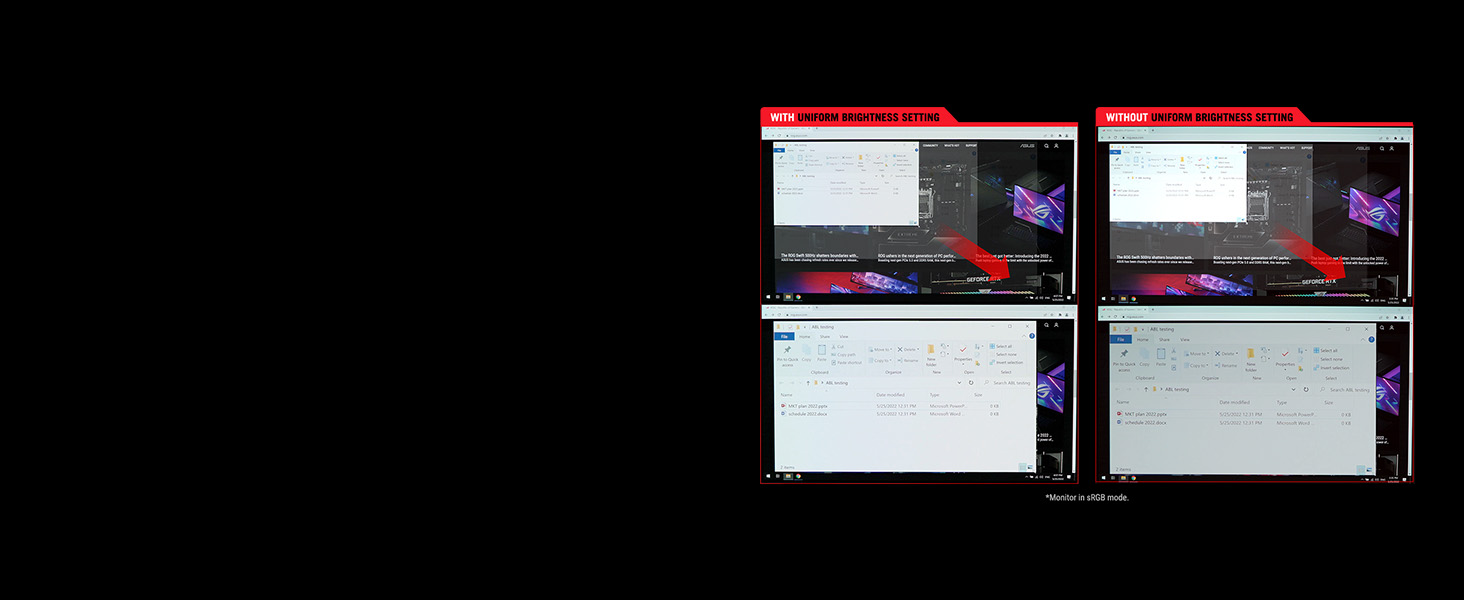
Uniform brightness
When activated, the exclusive Uniform Brightness setting within the OSD menu decreases peak brightness to keep level consistent for better viewing, even when changing the size of bright white windows.
-
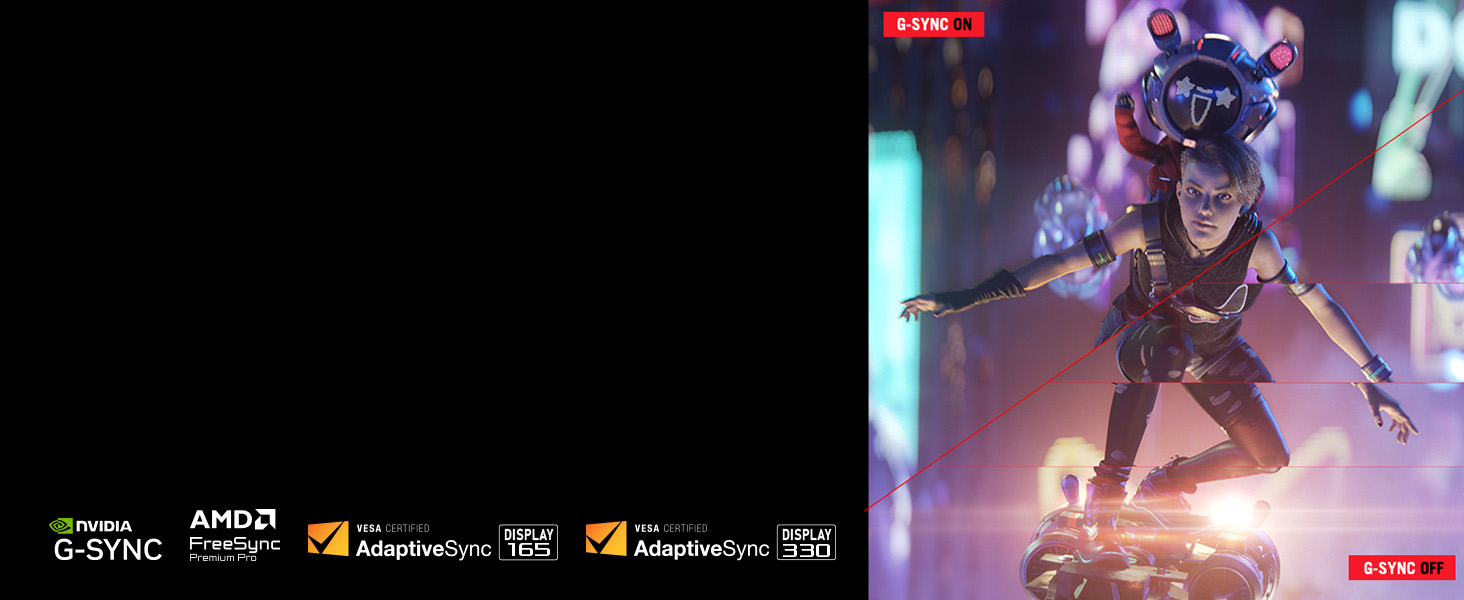
Smooth And Responsive
The XG32UCWG features NVIDIA G-SYNC compatible and AMD FreeSync Premium Pro technology, ensuring super-smooth, tear-free visuals with low latency.
-
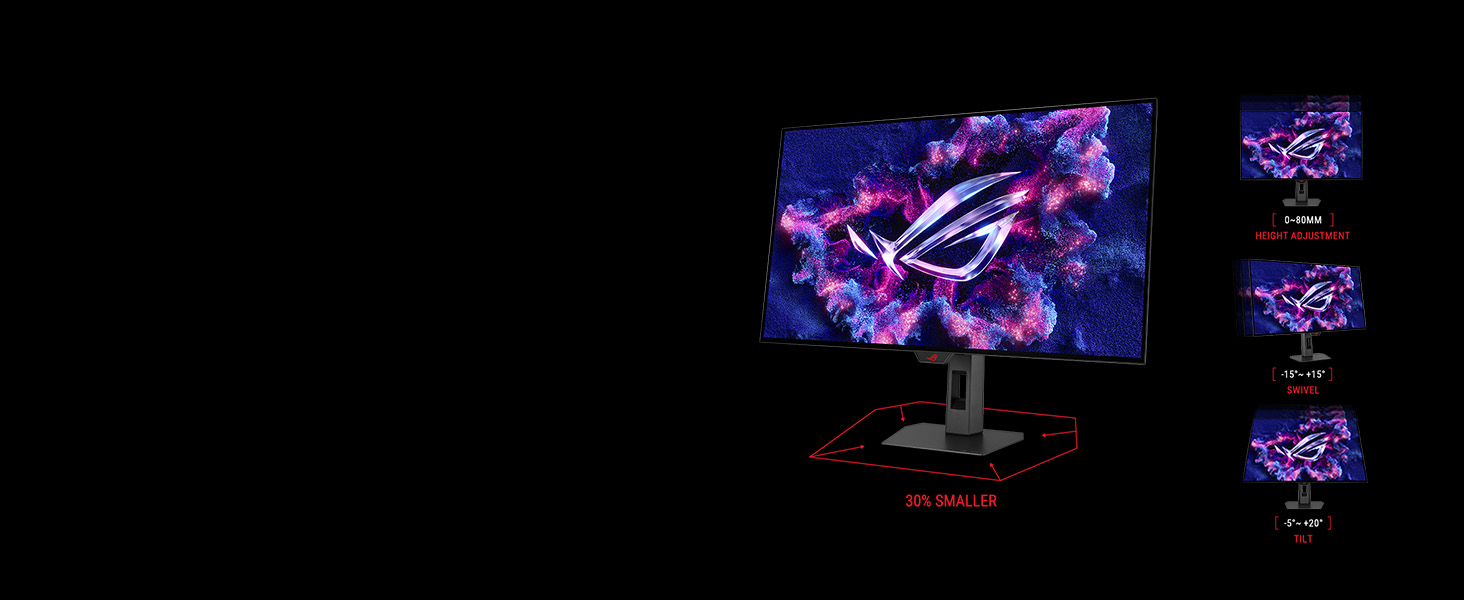
Compact and Ergonomic Design
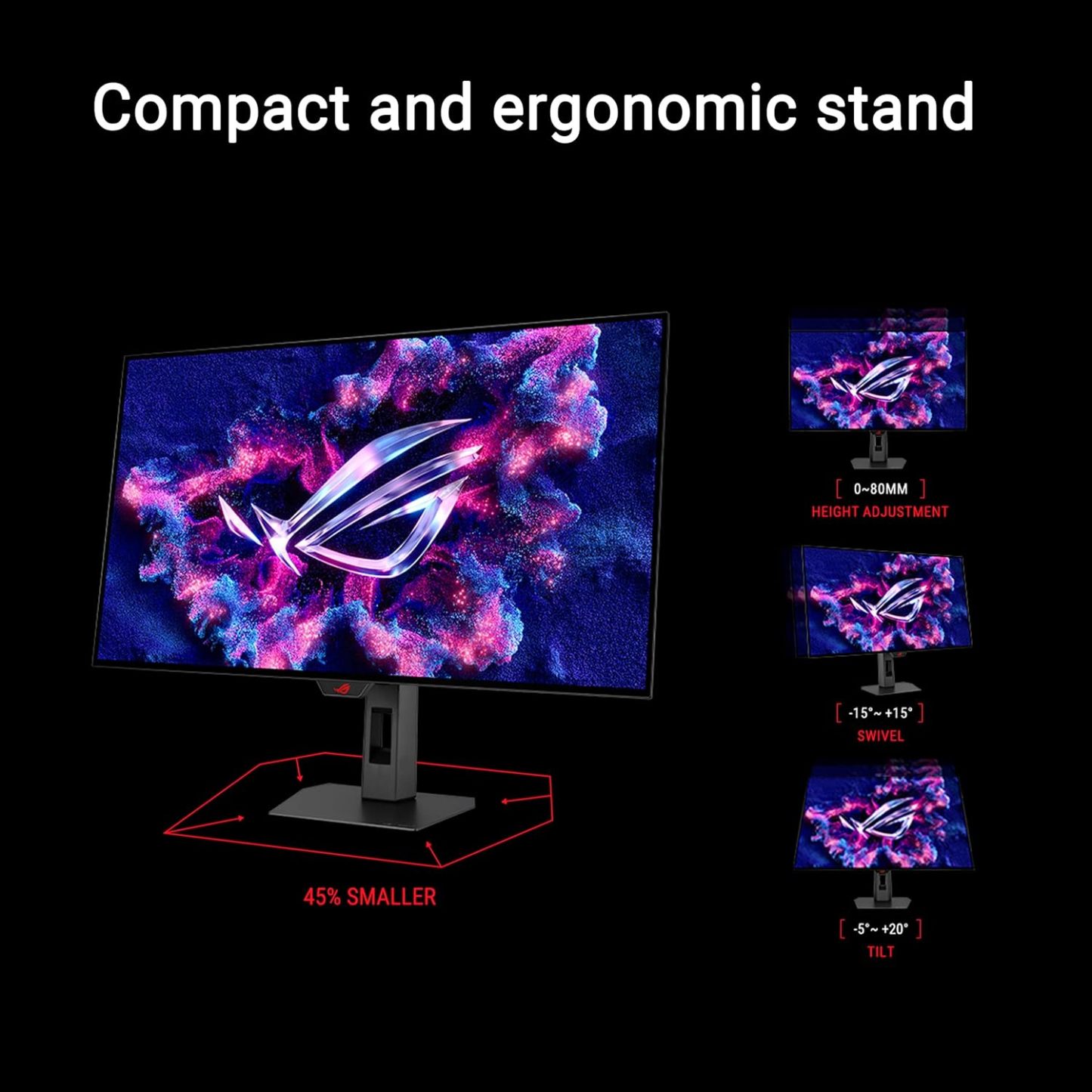
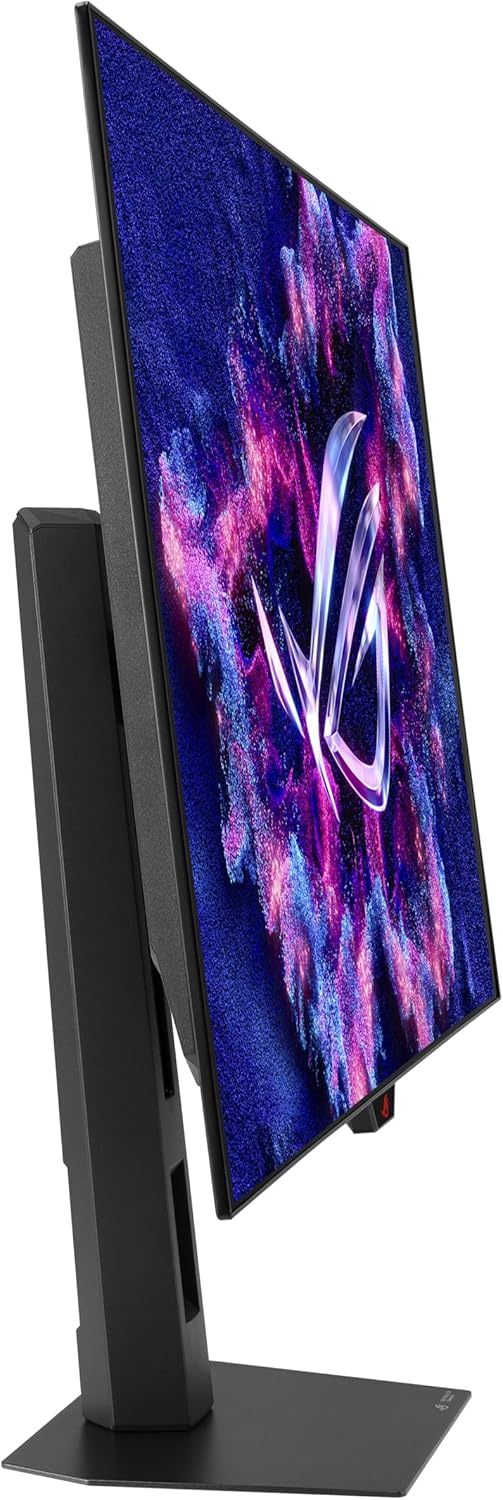
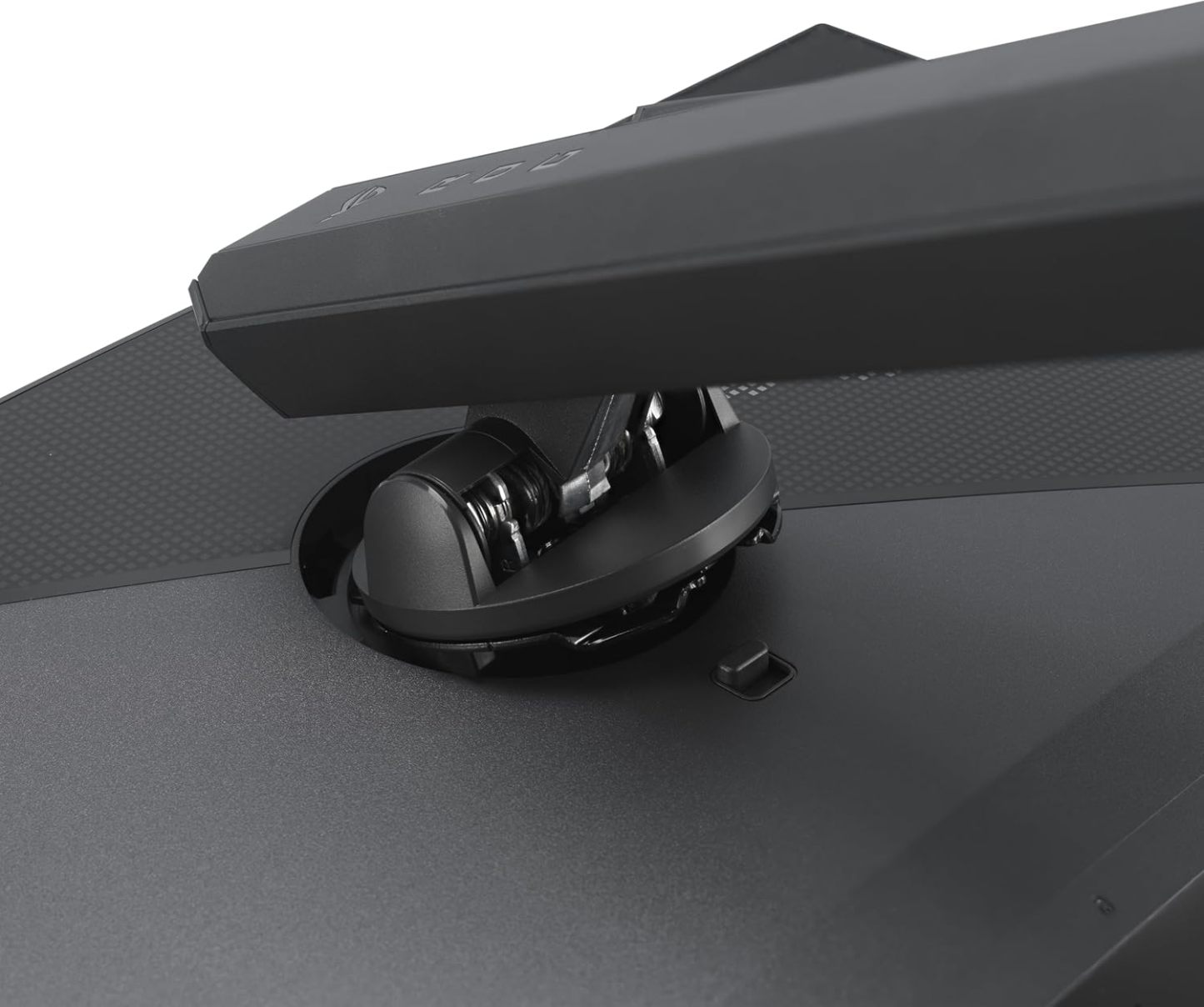
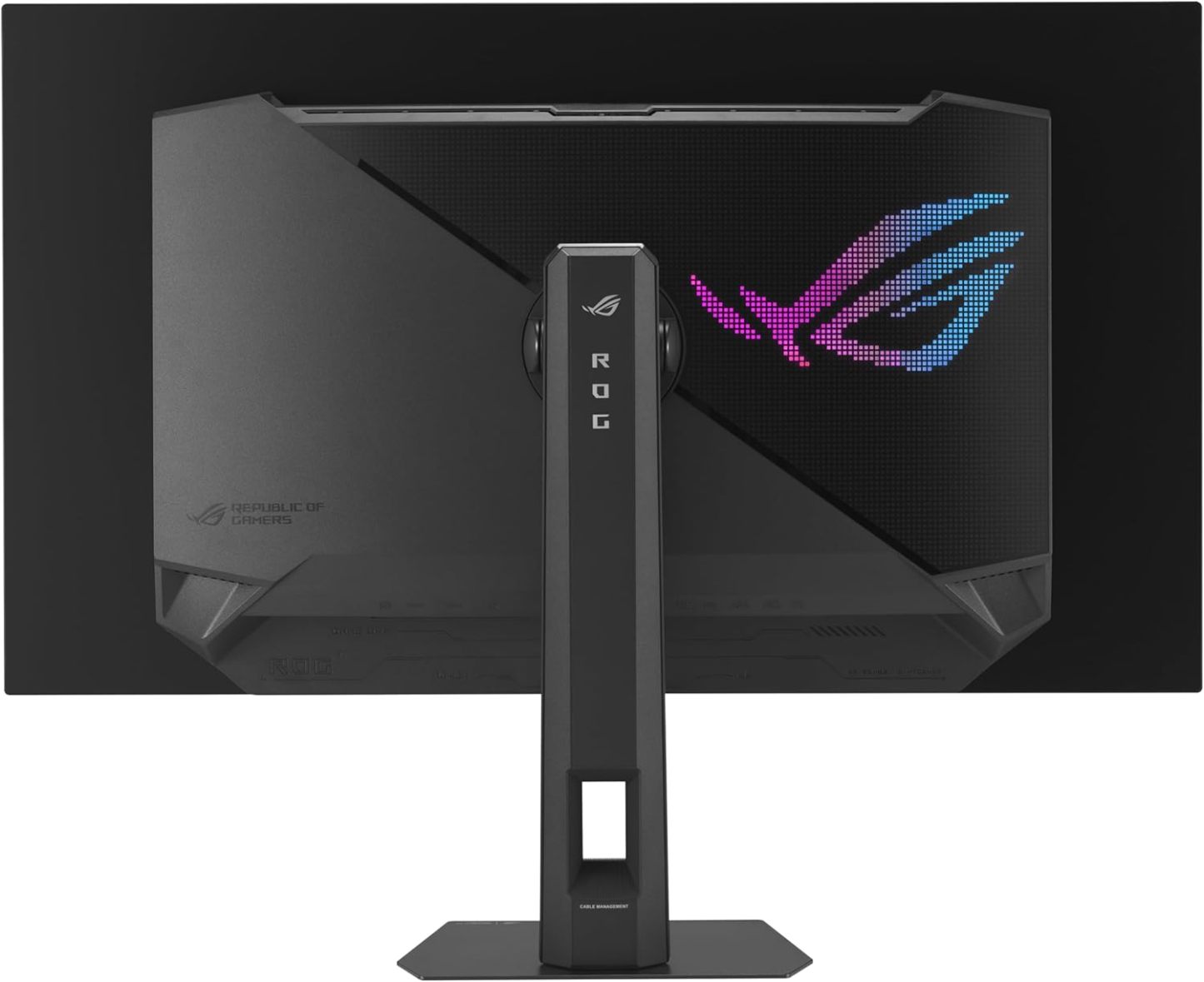
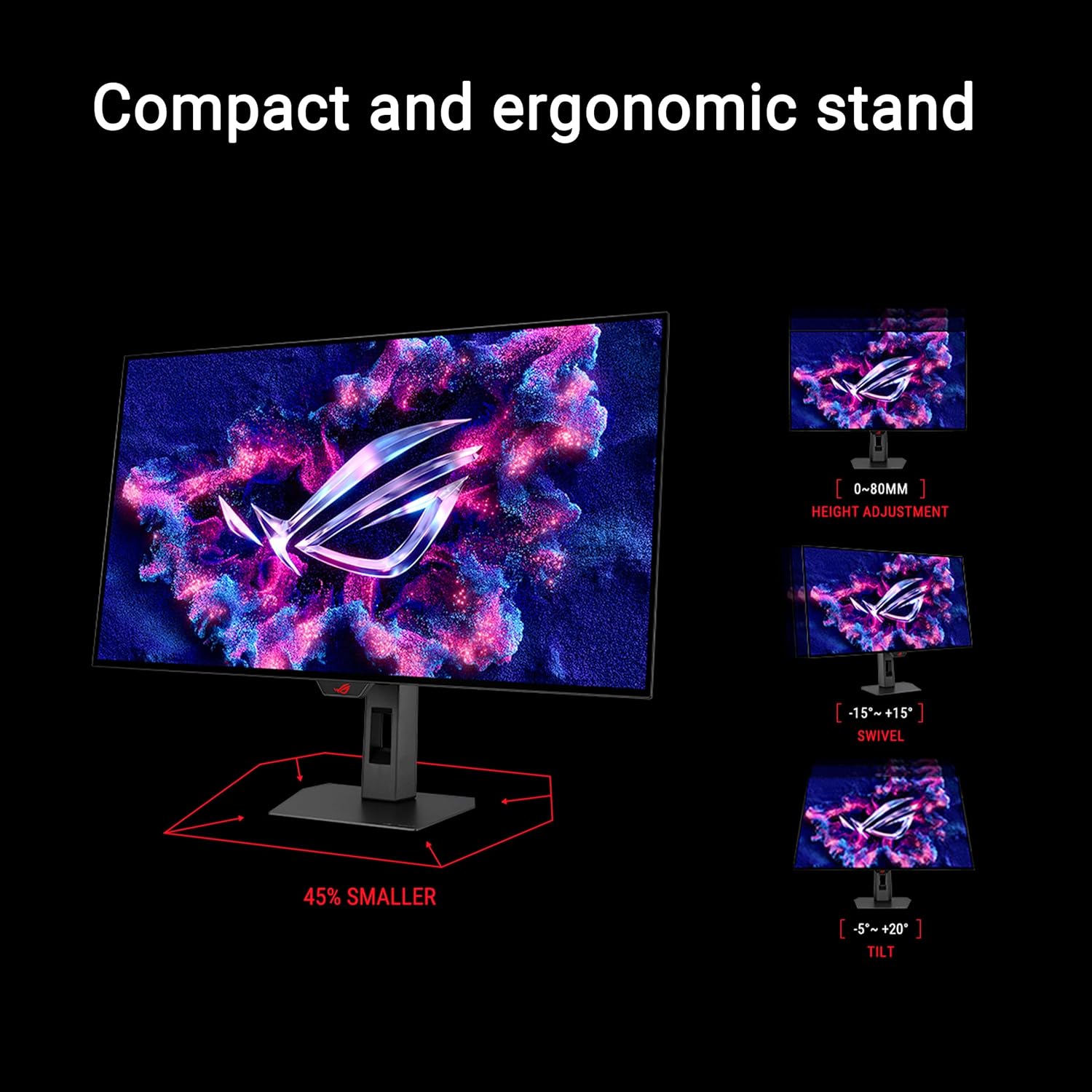
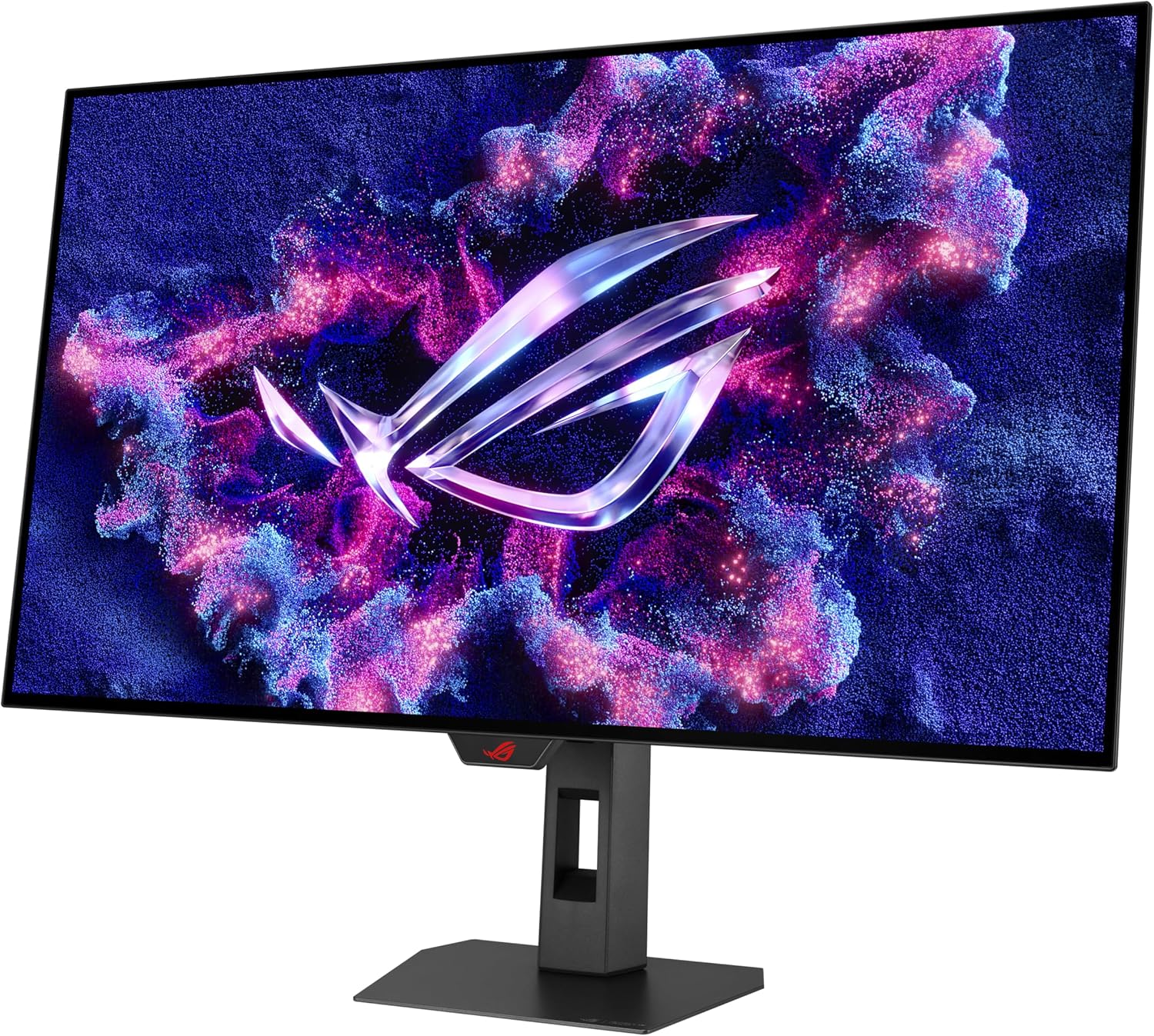
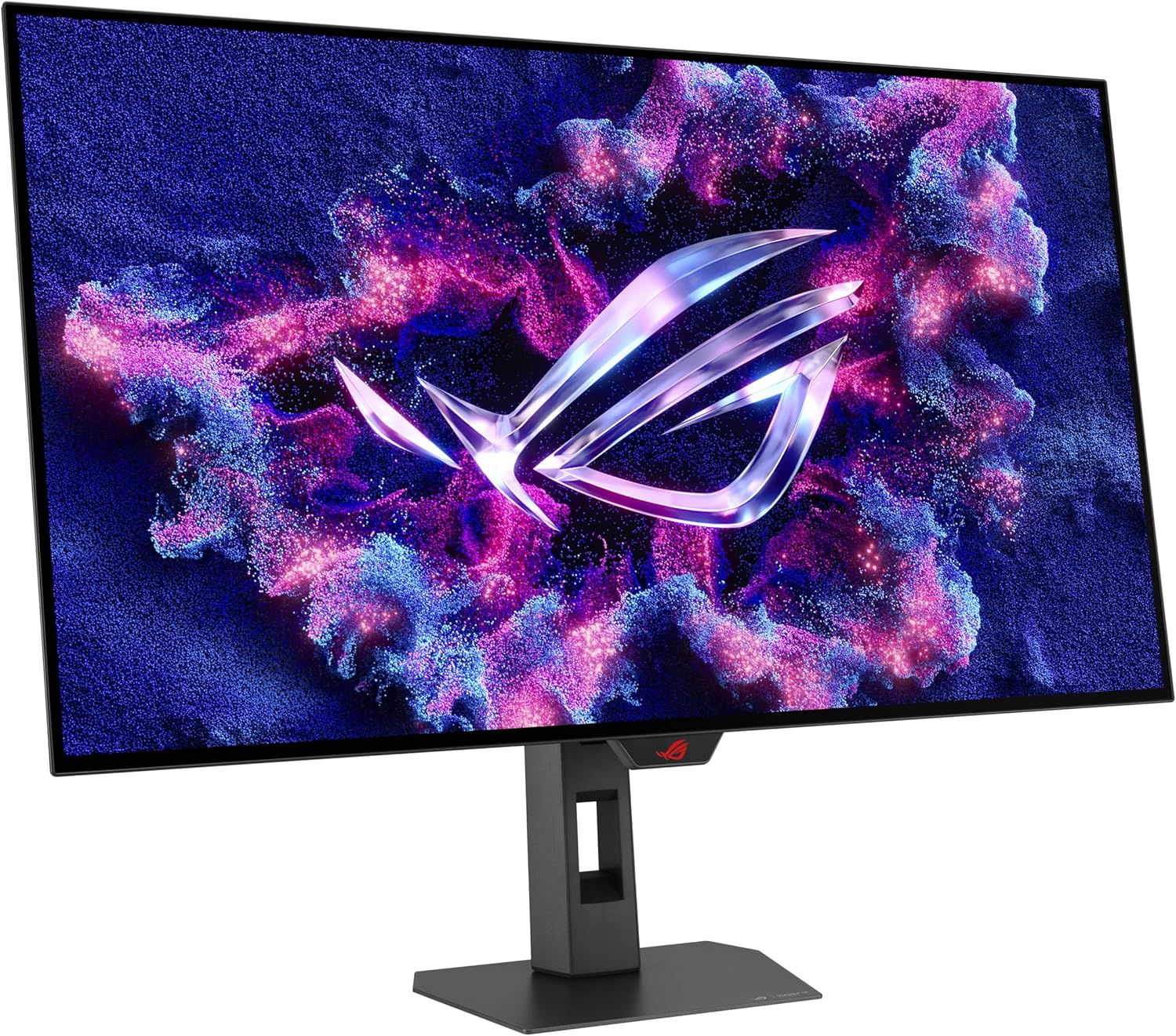
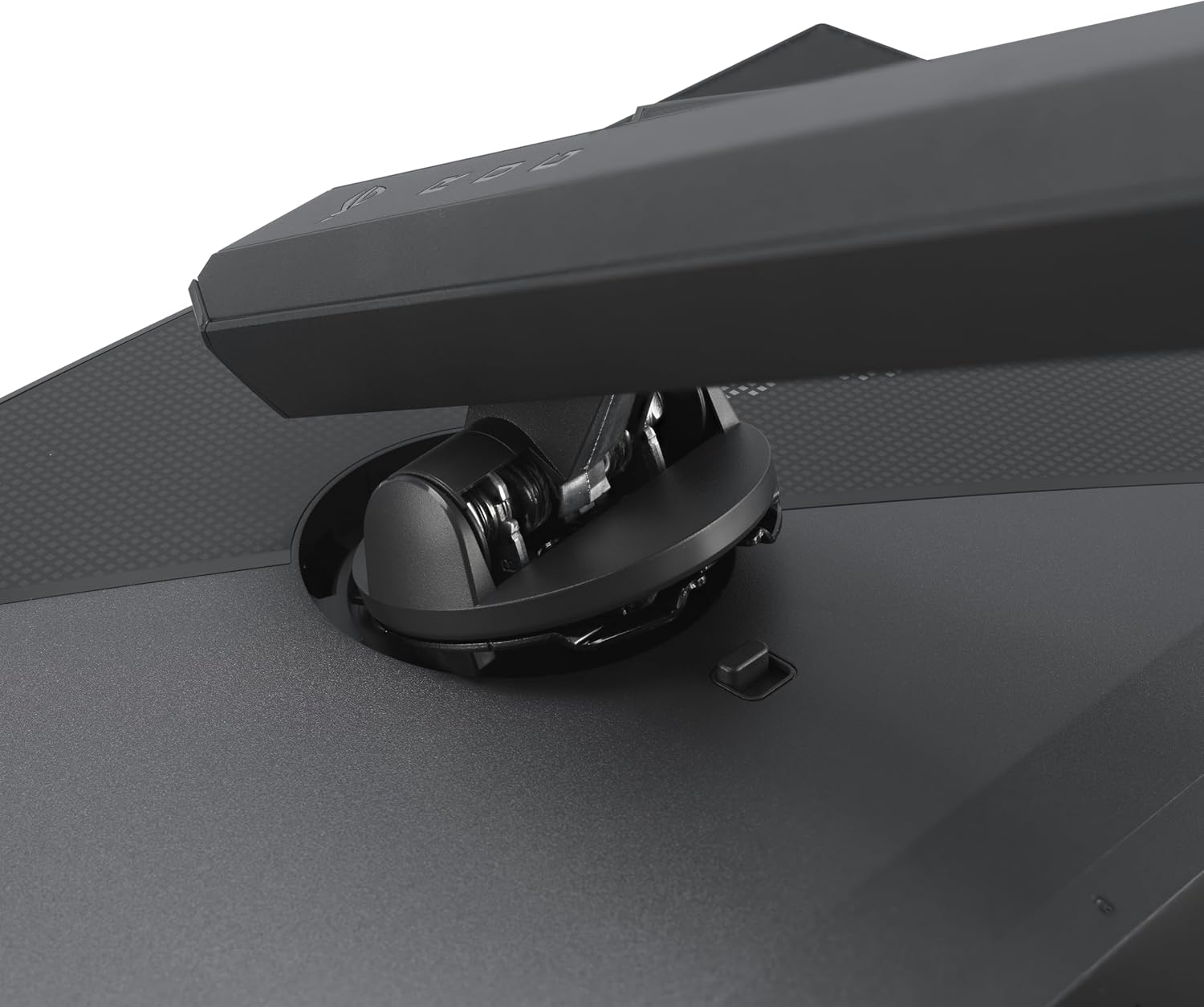
The new ROG Strix OLED series monitors feature a new compact stand that’s 45% smaller than those found on previous-generation XG monitors, freeing up valuable desk space for a keyboard and mouse.
-
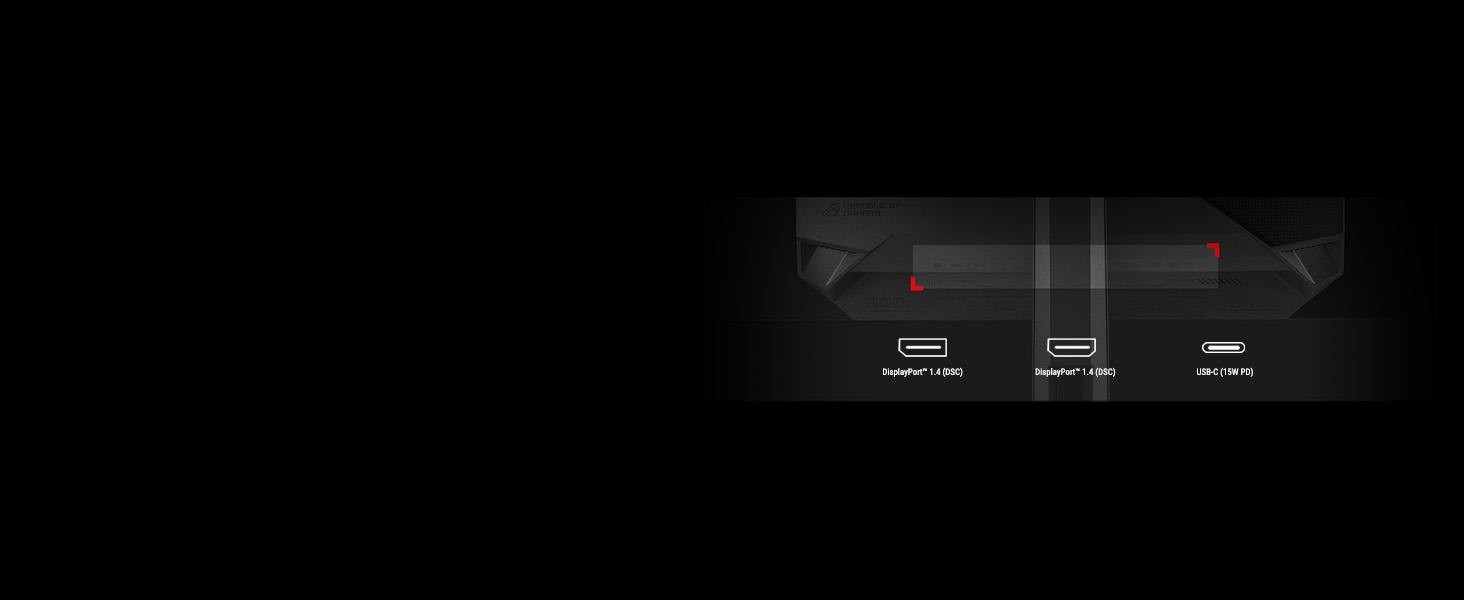
Extensive Connectivity
Extensive connectivity options such as DisplayPort 1.4 with Display Stream Compression (DSC), HDMI 2.1, and USB-C with 15-watt Power Delivery for a wide array of multimedia devices.
-
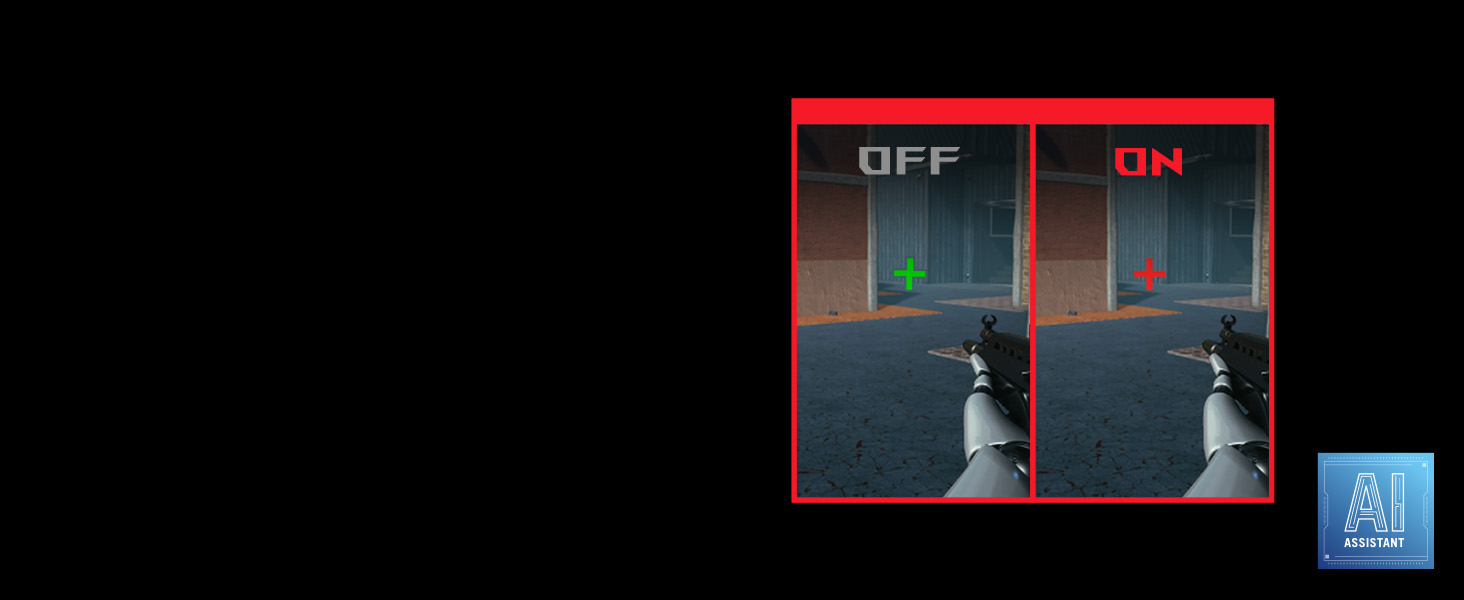
Play Smarter With AI Crosshair
Automatically changes the crosshair to a contrasting color to the background so it stands out for more accurate aim.
-
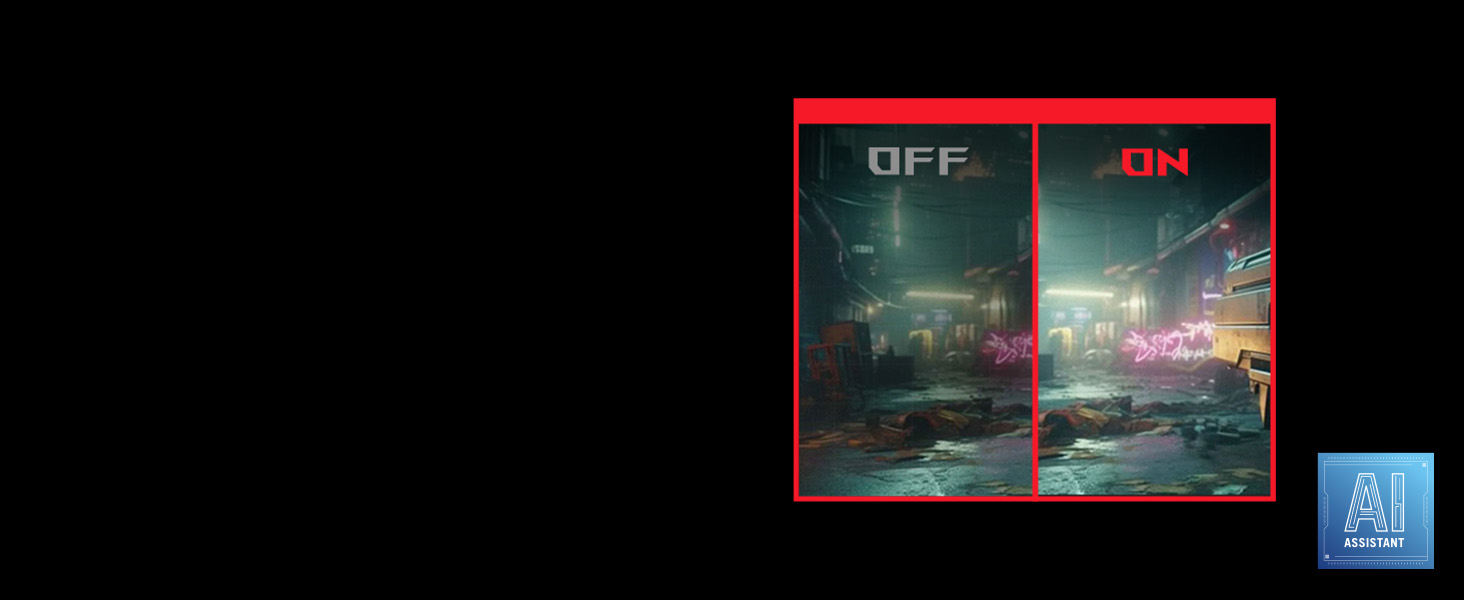
Play Smarter With AI Shadow Boost
Automatically enhances dark areas of the scene to make it easier to spot enemies hiding in dim areas of the map.
-

Play Smarter With AI Visual
Automatically detects what’s onscreen and adjusts to provide the best default or user-preset monitor settings through DisplayWidget Center.
Example title
Example title
Example title
Example title